

Laundry Shop POS Cambodia: Simple Pricing and Clear Records for Every Order
A laundry shop POS Cambodia owners can rely on has to handle a business built on trust. Customers hand over something personal, their clothes, and expect them back clean, on time, and exactly as they left them. A wrong price, a missing item, or an argument at the counter over what was dropped off can lose a regular customer for good.
A laundry shop POS Cambodia owners actually use has to make that trust easy to keep. A laundry shop also runs on repeat visits. The same customers come back every week, so small mistakes show up fast. Here is where a POS helps most in a laundry or dry-cleaning business.
What Makes a Laundry Shop Different
1. You sell services, not just products Customers pay for washing, drying, folding, ironing, or dry cleaning, often by the item or by the load. The price list has to be clear, and staff have to apply it the same way every time.
2. Extras change the price Express service, ironing, stain treatment, and special items such as blankets or school uniforms all add to the bill. Doing these sums by hand during a busy drop-off is where mistakes happen.
3. Customers pay at different moments Some pay when they drop off, others when they pick up. Either way, the shop needs a clear record of what was agreed.
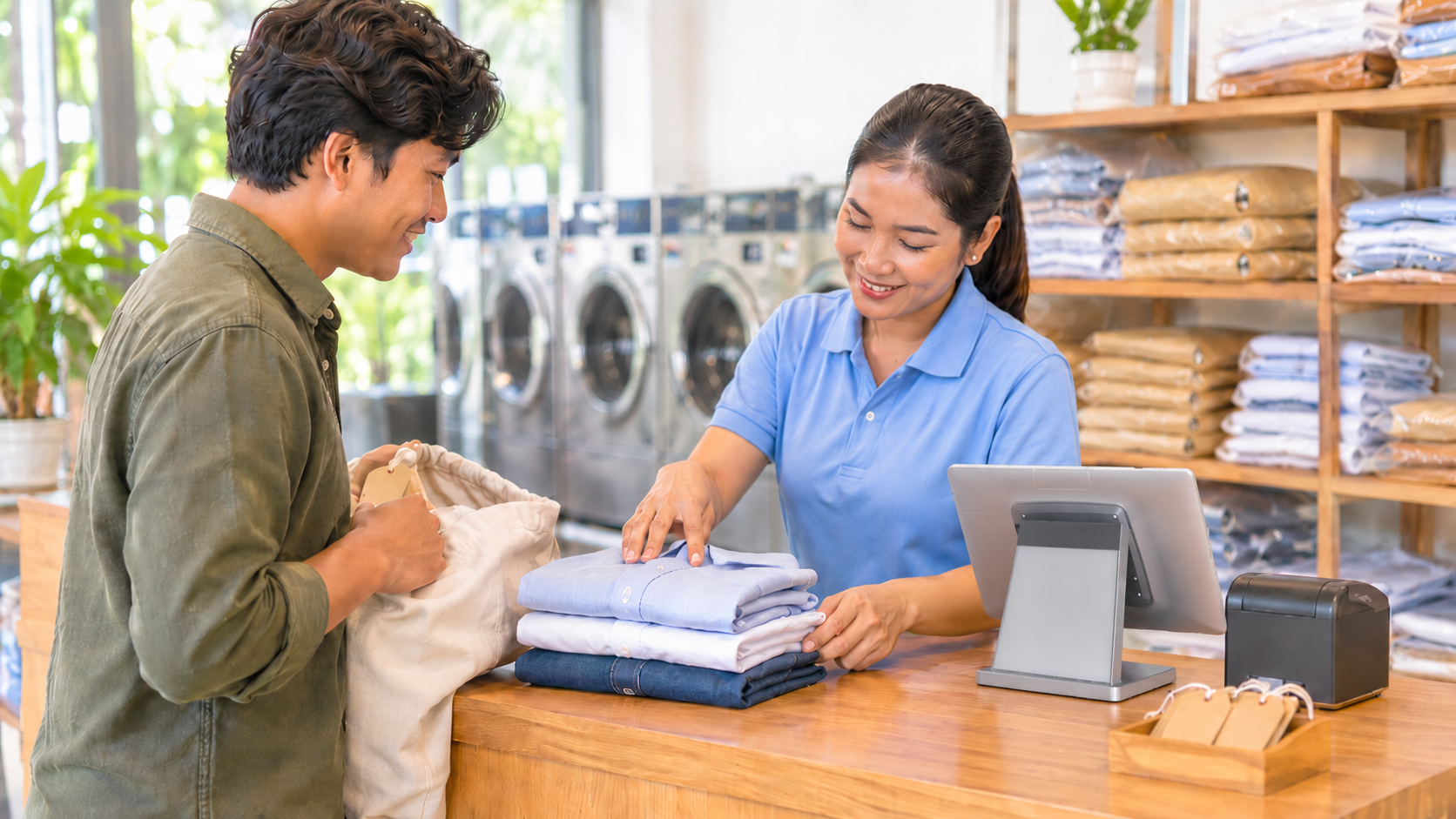
4. Disputes are about what was handed over “I gave you five shirts, not four.” The best way to settle this is to count the items together at drop-off and write it down, so both sides agree.
5. Busy peaks Mornings before work, weekends, and the days after a holiday can bring many customers at once.
How a POS Helps in a Laundry Shop
1. Build a clear service price list Set up each service as an item with its price, such as “Wash and fold, small load,” “Ironing, per piece,” or “Dry cleaning, jacket.” Staff pick the service, and the right price appears. MyLekha supports services as well as products, so the whole menu lives in one place.
2. Add extras as separate items Express service, stain treatment, or delivery can be added to an order as their own lines, so the total adds up correctly without anyone doing sums at the counter.
3. Take every payment Cash, KHQR, and ABA PayWay are supported at checkout, and MyLekha supports payments in USD or Riel, which helps when customers pay in either currency. KHQR runs on the National Bank of Cambodia’s Bakong system, so most of your regulars already have it on their phone.
4. Print a clear receipt Receipts print as part of checkout and can be customized with your shop’s name and details, so the customer has a record of what they paid for.
5. Handle refunds and compensation with a record If you refund or compensate a customer, record it as a refund linked to the original sale, so your reports stay accurate. Our post on quotes and refunds on a POS explains how, and our refund policy guide helps you decide the rules.
6. See which services earn the most Reports show sales by item and category, so you can see whether washing, ironing, or dry cleaning brings in the most, and which services are slow. Our post on finding your best selling products shows how to read these reports.
7. Plan around busy days Reports can be filtered by date, so you can see which days are busiest and schedule staff to match. Our post on day of week sales patterns explains how.
8. Sell supplies at the counter If you sell hangers, laundry bags, or detergent, they can be added to the same sale, and stock updates with every sale.
9. Check from anywhere The MyLekha Dashboard works on iOS, Android, and the web, so you can see the day’s sales from your phone. If you run more than one laundry shop, MyLekha supports multi-store management.
What a POS Doesn’t Replace: The Drop-Off Routine
A POS handles prices, payments, and reports. The most important protection in a laundry shop is still a simple routine at the counter. MyLekha doesn’t track individual garments through washing, so keep this part by hand:
- Count the items with the customer at drop-off, and write the number on a numbered claim ticket
- Note any stains, tears, or missing buttons before you start, so there’s no argument later
- Give the customer the matching ticket, and keep the other with the bag
- Check the count again before returning the order
- Agree your policy for lost or damaged items in advance, and tell staff what to do
Our post on handling customer complaints can help when a dispute does come up.
If Customers Pay on Pickup
Many laundry shops take payment when the order is collected. If you also let regular customers pay later, keep a simple list of who owes what. Money owed to you is money you cannot spend, and cash flow is one of the most common things that catches small businesses out. Our post on tracking unpaid invoices explains how to keep this under control.
A Busy Morning, Before and After
Without a POS: a customer drops off a bag, and the price is worked out in the head. Another asks for express ironing, and the total is guessed. At night, the owner adds up a notebook and hopes it matches the cash.
With a POS: each service and extra is added from the price list, the total is correct, payment is taken, and the receipt prints. At closing, a report shows what was sold and how it was paid.
Quick Comparison
| Notebook and Memory | Laundry Shop With a POS | |
|---|---|---|
| Price list | In the owner’s head | Services set up with prices |
| Extras | Added up by hand | Separate lines, correct total |
| Payments | Cash, QR checked separately | Cash, KHQR, ABA PayWay, USD or Riel |
| Receipts | Handwritten, or none | Printed at checkout |
| Refunds | Taken from the till | Linked to the original sale |
| Best services | A feeling | Reports by item and category |
| Several shops | Separate records | One account |
Who This Is For
- Laundry shops and self-service laundrettes
- Dry cleaners and ironing services
- Uniform and school-clothes cleaning services
- Hotel and guesthouse laundry providers
Laundry Shop POS Cambodia: A Quick Checklist Before You Start
Clear records are the foundation of a healthy small shop, and the US Small Business Administration’s guide to managing your finances is a good primer. Before your first day:
- Write out every service and price, including express and special items
- Set up your extras as their own items, so nobody does sums at the counter
- Agree your lost-or-damaged policy and tell every member of staff
- Order numbered claim tickets, and use them from day one
- Decide when customers pay, at drop-off or at pickup, and keep it consistent
- Check your receipt printer before the morning rush
Getting Started
Start with your service list and prices. Most MyLekha customers load their catalogue and start selling within a day. See everything the system includes on our features page, or check current plans on the pricing page.
FAQ
Can I set prices for services like washing and ironing? Yes. MyLekha supports services as well as products, so you can set up each service with its price.
Can I add extras like express service to an order? Yes. Extras can be added as their own items, so the total adds up correctly.
Does MyLekha track each garment through the wash? No. A POS handles prices, payments, and reports. Counting items and using claim tickets at the counter is still the best way to prevent disputes.
Can customers pay by KHQR or in dollars? Yes. KHQR and ABA PayWay are supported, and so are payments in USD or Riel.
Can I see which services earn the most? Yes. Reports show sales by item and category.
Ready to Price Every Order Correctly?
See how MyLekha works as the laundry shop POS Cambodia owners use to price services clearly, take every payment, and see what earns. Start your free 15-day trial today, no credit card required.