Cloud-Based vs. Traditional POS Systems: Which Is Safer for Your Business Data?
Cloud POS Cambodia adoption has grown fast, and for good reason. A power outage in Siem Reap. A stolen laptop in Phnom Penh. A cracked hard drive after two years of daily use. For any business still running a traditional, on-site POS system, each of these is a real risk to something far more valuable than the hardware itself — your sales history, inventory records, and customer data.
Cloud POS Cambodia adoption has grown fast for exactly this reason: it moves the question of “what happens if something breaks” from “we lose everything” to “we just log in from another device.”
What’s the Actual Difference?
A traditional POS system stores your data locally — on the till itself, or on a server sitting in your shop. If that machine is damaged, stolen, or simply fails, your data usually goes with it, unless someone has been manually backing it up.
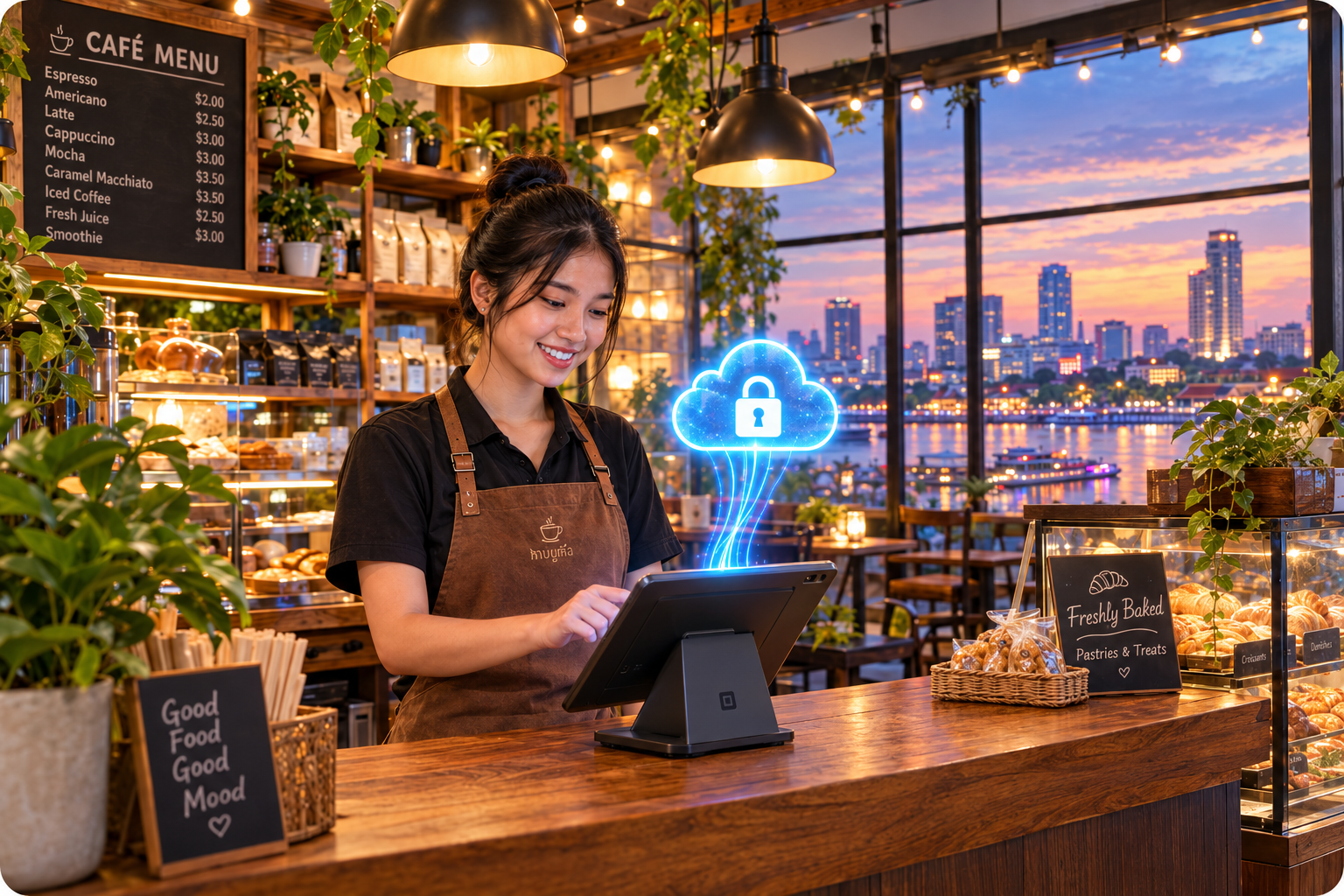
A cloud POS system stores your data on secure remote servers instead of on the device in front of you. The device you’re using — tablet, phone, or terminal — is just a window into that data, not the only copy of it.
Where Traditional Systems Fall Short
1. One point of failure If the local hard drive fails or the till is stolen, there’s often no second copy of the data anywhere else. Years of sales history and customer records can disappear in a single incident.
2. Manual backups are easy to forget Some traditional systems allow manual backups to a USB drive or external disk — but this depends entirely on someone remembering to do it, consistently, and storing that backup somewhere safe. In practice, this step gets skipped more often than not.
3. No remote access If you’re not physically at the shop, you can’t check today’s sales, current stock levels, or yesterday’s numbers. Everything lives on one machine, in one location.
Why Cloud POS Is the Safer Default Now
1. Automatic backups, no manual step required With a cloud POS system like MyLekha, every transaction, stock update, and report is saved to the cloud automatically as it happens — there’s no backup routine to remember or forget.
2. Your business survives hardware problems If a tablet breaks, gets lost, or a power surge damages your terminal, your data is untouched. Replace the device, log back in, and everything — sales history, inventory, customer records — is exactly where you left it.
3. Check on your business from anywhere Owners can view sales and inventory from home, from another branch, or while travelling — something a traditional, locally-stored system simply can’t offer. This is one of the most common reasons MyLekha customers switch, letting them keep an eye on the business without being physically present.
4. Built for Cambodia’s connectivity reality A common concern is: “what if the internet goes down?” MyLekha’s cloud POS keeps working offline, taking payments and recording sales as normal, then automatically syncing everything once the connection returns — so a spotty connection in a busier provincial area doesn’t put your data at risk the way a total local-system failure would.
5. Security handled for you Cloud providers invest heavily in encryption, redundancy, and server security that most small businesses could never replicate with an in-house setup. MyLekha maintains 99.9% uptime, meaning your system — and your data — stays available and protected without you needing to manage any of the technical side yourself.
Quick Comparison
| Traditional POS | Cloud POS | |
|---|---|---|
| Data backup | Manual, easy to forget | Automatic, continuous |
| If hardware breaks | Data often lost | Data untouched, safe in the cloud |
| Remote access | Not possible | Check sales/stock from anywhere |
| Works offline | N/A (already local) | Yes — syncs once reconnected |
| Setup cost | Often higher upfront hardware | Lower entry cost, scales with you |
Getting Started
Switching to a cloud POS doesn’t mean an overnight overhaul. Most MyLekha customers move over their product catalogue and start taking sales within a day, with historical reporting and inventory tracking active from day one — and every sale from that point on automatically backed up without any extra effort.
FAQ
Is my data actually safer in the cloud than on my own device? Yes. Cloud storage means your data exists independently of any single piece of hardware in your shop, so a broken, lost, or stolen device doesn’t put your business records at risk.
What happens to my sales data if the internet goes down? MyLekha continues to record sales offline and automatically syncs everything to the cloud once the connection is restored — no data is lost in the gap.
Can I access my sales data if I’m not at my shop? Yes, cloud POS lets you check sales, inventory, and reports from any device with an internet connection, wherever you are.
Is switching to a cloud POS complicated? No — most businesses are up and running with their product catalogue within a day, with automatic backups active from the very first sale.
Ready to Stop Worrying About Data Loss?
See how MyLekha’s cloud POS keeps your business data safe, backed up, and accessible from anywhere — start your free 15-day trial today, no credit card required.