

MyLekha Apps Explained: POS, Dashboard, Display and Kitchen
New owners often ask, “Which MyLekha app do I need?” The answer is that MyLekha isn’t one app. It’s a small family of apps that work together, and each one has a clear job. Here’s a simple guide.
The four apps
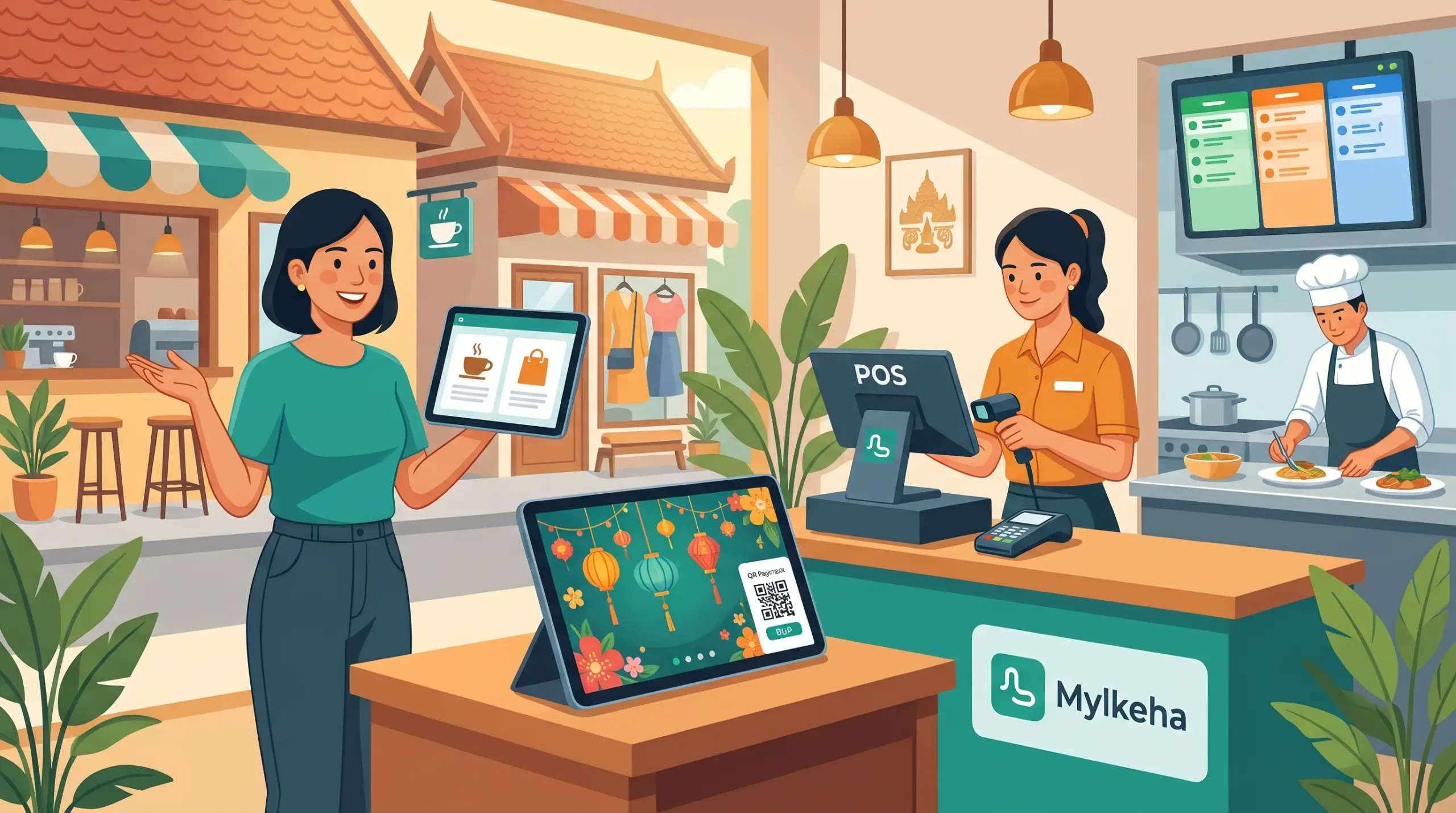
According to MyLekha’s Features page, the product family includes:
| App | What it’s for | Who uses it |
|---|---|---|
| MyLekha POS | Selling at the counter: sales, quotes, refunds, payments | Cashiers and waiters |
| MyLekha Dashboard | Managing your business: sales, inventory, employees, customers, reports | Owners and managers |
| MyLekha Display | A real-time customer screen at the counter | Customers |
| MyLekha Kitchen | A live, color-coded ticket board for the kitchen | Kitchen staff |
MyLekha POS
This is where sales happen. It works on a phone, tablet or computer, scans barcodes with the camera, takes cash, KHQR and ABA PAY, and prints or sends invoices. See Mobile POS and Faster Checkout POS Cambodia.
MyLekha Dashboard
This is for the owner. You can manage products, stock, staff, customers and reports, and check your business from anywhere. It’s available for iOS, Android and Windows, and on the web. See The 2-Minute Dashboard Check and Run a Shop Part Time in Cambodia.
MyLekha Display
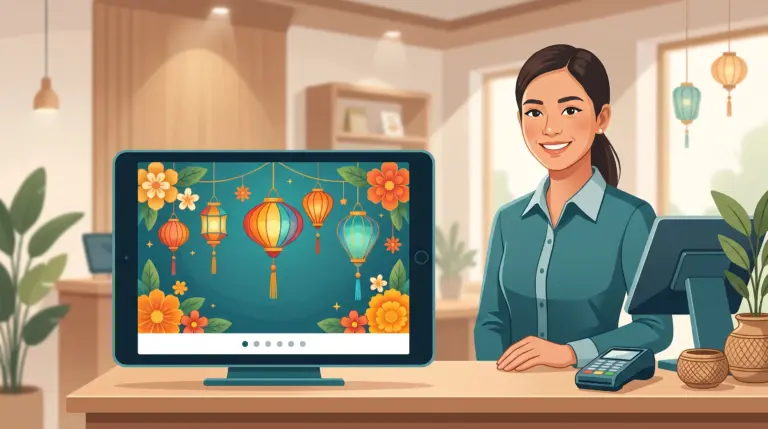
This is the screen customers see. It shows items, totals and the KHQR or ABA payment popup, and can show a slideshow, themes and a thank-you screen. See MyLekha Customer Display, Customer Display Themes and Order Status Screen for Cafés.
MyLekha Kitchen
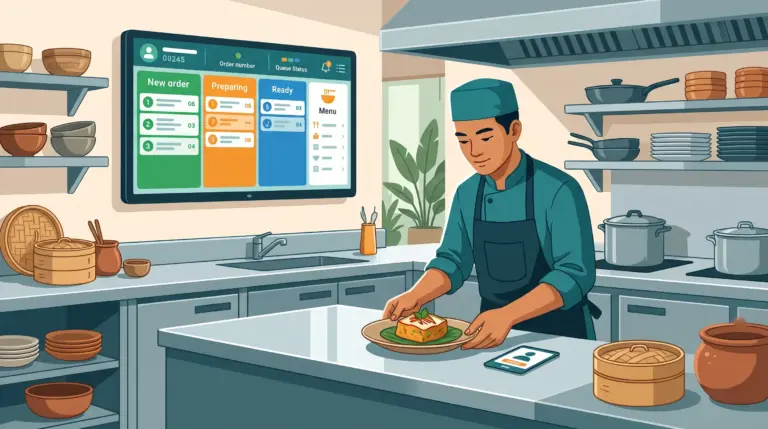
This is for restaurants and cafés. Orders reach the kitchen instantly, with clear status columns, replacing paper tickets. See Kitchen Display Staff Tracking.
Which apps do you need?
| Your business | Start with | Add later |
|---|---|---|
| Small shop or stall | POS + Dashboard | Display |
| Minimart or retail shop | POS + Dashboard | Display |
| Café with takeaway | POS + Dashboard | Display, Kitchen |
| Restaurant | POS + Dashboard + Kitchen | Display |
| Several branches | POS + Dashboard | Display, Kitchen |
You don’t need all four on day one. Start with POS and Dashboard, then add what your counter needs.
Plans and devices
Your subscription decides how many stores, staff accounts and devices you can use. See Which POS Plan Is Right for Your Business. Check the pricing page to see which apps and features each plan includes.
A simple way to start
- Try the free Starter plan with the POS app. See the free trial checklist
- Add the Dashboard to your phone and check your sales each evening
- Add Display when you want customers to see their order and pay by QR
- Add Kitchen when your orders outgrow paper tickets
Conclusion
MyLekha works best when each app does its own job: POS for selling, Dashboard for managing, Display for customers and Kitchen for orders. Start small, add what you need and let the system grow with your business.
Explore MyLekha POS features, see plans, or talk to our team about which apps suit you.
FAQ
How many MyLekha apps are there?
Four: MyLekha POS, MyLekha Dashboard, MyLekha Display and MyLekha Kitchen.
Which app does the owner use?
The MyLekha Dashboard, to manage sales, inventory, employees, customers and reports.
Do I need all four apps?
No. Most shops start with POS and Dashboard and add the others later.
Where is the Dashboard available?
On iOS, Android, Windows and the web.
Can I try MyLekha for free?
Yes. The Starter plan is a free 15-day trial.