

Home Goods Shop POS Cambodia: Keeping Many Sizes, Brands, and Gifts Under Control
A home goods shop POS Cambodia owners can rely on has to handle a lot of variety. A single shelf might hold plates in three sizes, pots from four brands, storage boxes in five colors, and a dozen kinds of cutlery. Some customers are buying for their own kitchen, some are buying a wedding or housewarming gift, and some, such as small restaurants and cafés, are buying twenty of the same item at once.
That mix of variety, gifts, and bulk orders is what makes kitchenware and home goods shops different. Here is where a home goods shop POS Cambodia setup helps most.
What Makes a Home Goods Shop Hard to Manage
1. Many versions of similar items The same pot may come in several sizes and colors, and two brands may look alike. Without clear records, it’s easy to lose track of what you have.
2. Bulky stock that takes space Home goods are often large, and storage is limited. Overstocking a slow item costs real space and cash.
3. Gifts and returns Gift items are returned and exchanged more often than most purchases. The shop needs a clear record of what was sold, and for how much.
4. Bulk and business buyers A restaurant or a school may ask for a price on a large order. A written quote and a proper invoice matter to these customers.
5. Busy seasons Weddings, festivals, and the start of a new year bring waves of gift buyers. A slow checkout loses sales at exactly the wrong time.
Home Goods Shop POS Cambodia: How It Helps in the Shop
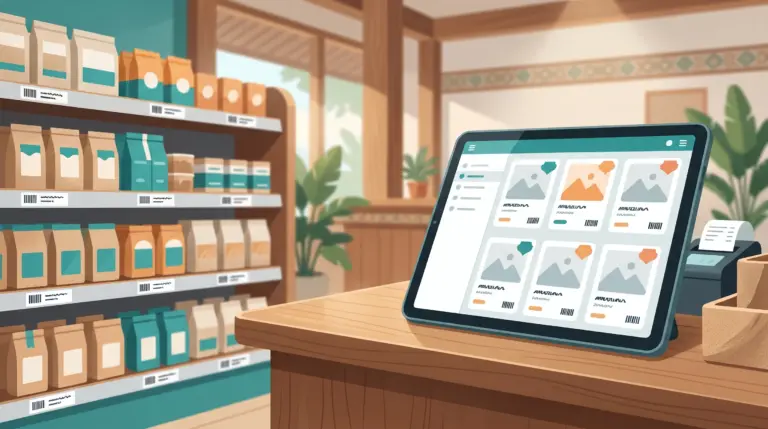
1. Scan items instead of typing Barcode scanning, with a phone or tablet’s built-in camera or a connected scanner, brings up the right product and price. With hundreds of similar items, this avoids many mistakes. Product barcodes follow the GS1 barcode standards used worldwide.
2. Handle sizes and colors properly Products can have variants, such as size and color, so each version is tracked and sold on its own while staying under one product.
3. Keep stock accurate Every sale updates your stock, and you can adjust stock and run inventory counts. Bulky items are expensive to overstock, so knowing your real numbers matters.
4. Quote bulk orders MyLekha supports sales, quotes, and refunds. A written quote gives a restaurant or company a clear price up front, and you keep a record of what was agreed. Our post on quotes and refunds on a POS explains how this works.
5. Give professional invoices and receipts Invoice and receipt templates can be customized with your business details, which helps when business customers need a proper document.
6. Handle returns with a record Refunds are supported and linked to the original sale, so stock and reports stay accurate.
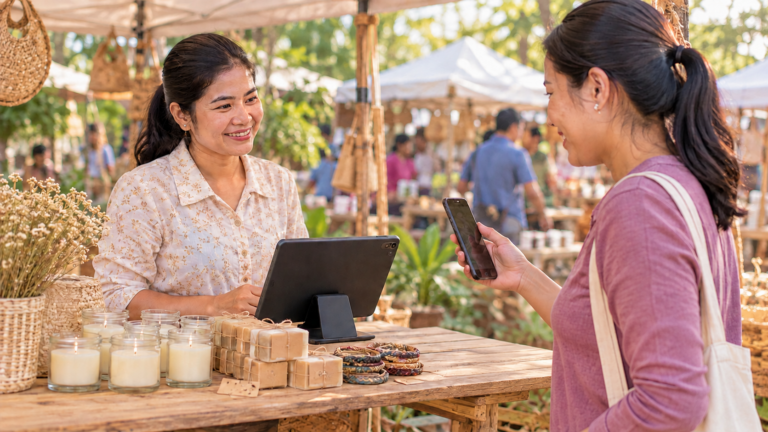
7. Take every payment Cash, KHQR, and ABA PayWay are supported at checkout, and MyLekha supports payments in USD or Riel. KHQR runs on Bakong, the National Bank of Cambodia’s payment system.
8. See what sells Reports show your best sellers and slow movers by item and category. In a shop with bulky stock, this tells you what to reorder and what to stop buying. Our post on finding your best selling products shows how to read them.
9. Run more than one shop If you open a second shop, MyLekha supports multi-store management, and the Dashboard on iOS and Android lets you check your numbers from anywhere.
Keeping Slow Items From Filling Your Storeroom
Large items that don’t sell are an expensive problem in a home goods shop. Check your sales by item report every month, and look for products that haven’t moved. Our post on dead stock explains what to do with them, and our post on how many products to stock can help you decide whether your range is too wide.
A Busy Weekend, Before and After
Without a POS: a customer wants six plates in a certain size, and nobody is sure how many are in the storeroom. A restaurant owner asks for a price on forty glasses, and the quote is a number on a scrap of paper. At night, the owner guesses what sold.
With a POS: stock for each size is on screen, the quote is written and saved, and items are scanned at the counter. At closing, a report shows what sold and what’s running low.
Quick Comparison
| Notebook and Memory | Home Goods Shop With a POS | |
|---|---|---|
| Sizes and colors | Tracked in your head | Variants for each version |
| Finding prices | Typed or remembered | Scanned |
| Bulk orders | A number said aloud | A written, saved quote |
| Documents | Handwritten notes | Branded invoices and receipts |
| Returns | A note, if remembered | Linked to the original sale |
| Stock | Counted occasionally | Updates with every sale |
| Best sellers | A feeling | Reports by item and category |
Who This Is For
- Kitchenware and tableware shops
- Household goods and storage stores
- Gift and homeware boutiques
- Shops that sell to both households and small businesses
Getting Started
Start your home goods shop POS Cambodia setup with your product list, with sizes, colors, and prices. Most MyLekha customers load their catalogue and start selling within a day. See everything the system includes on our features page, or check current plans on the pricing page.
FAQ
Can I track different sizes and colors of the same product? Yes. Products can have variants such as size and color, so each version is tracked and sold on its own.
Can I give a restaurant a quote for a bulk order? Yes. MyLekha supports quotes, so the customer gets a clear price and you keep a record.
Can I scan barcodes without buying a scanner? Yes. A phone or tablet’s built-in camera can scan barcodes. A connected barcode scanner is also supported.
How do I handle a customer returning a gift? Refunds are supported and linked to the original sale, so stock and reports stay accurate.
Can customers pay by KHQR or in dollars? Yes. KHQR and ABA PayWay are supported, and so are payments in USD or Riel.
Ready to Keep Your Shelves and Storeroom Under Control?
See how MyLekha works as a home goods shop POS Cambodia owners can rely on: manage variety, quote bulk orders, and see what sells. Start your free 15-day trial today, no credit card required.