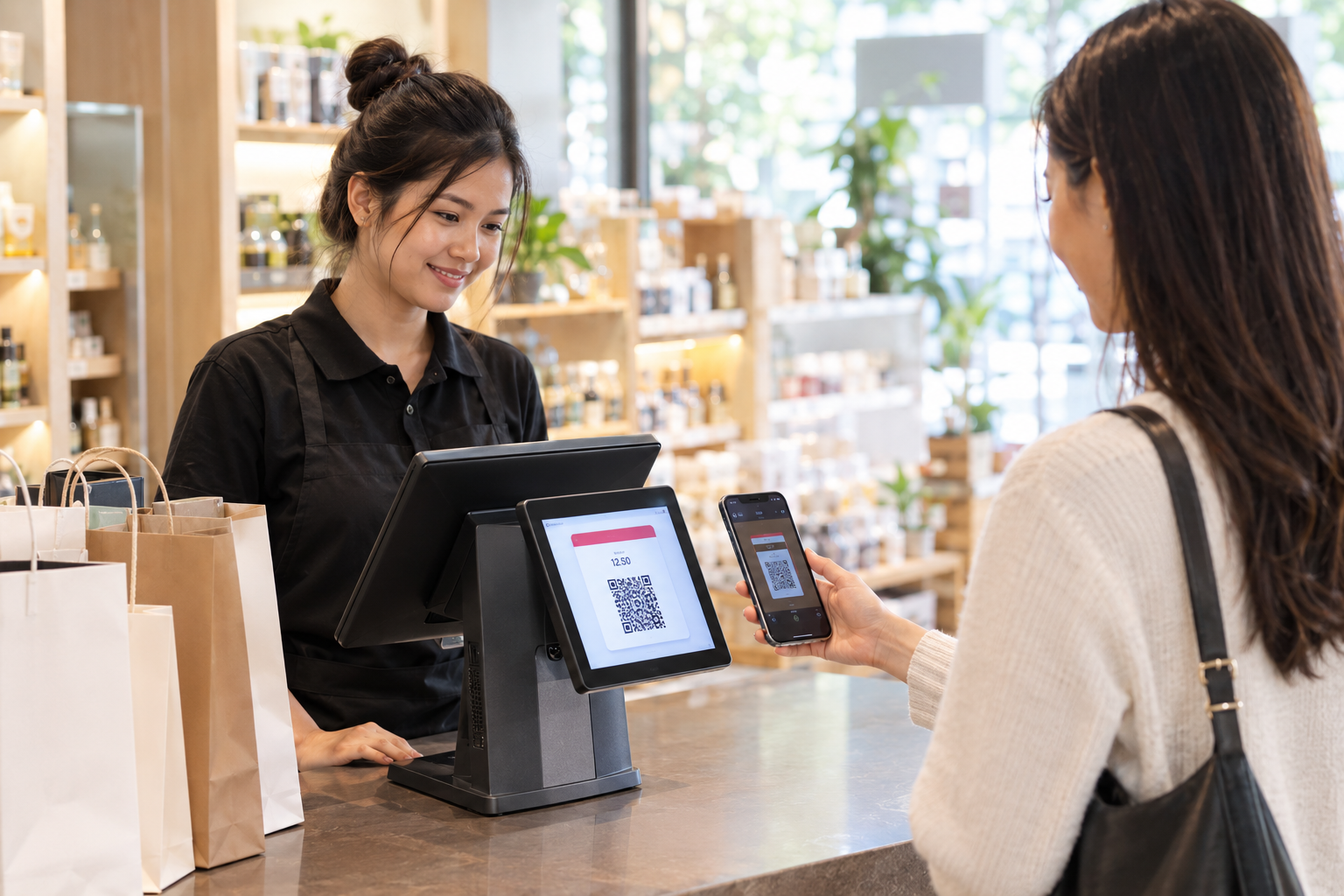
KHQR Payment POS Cambodia: Why Customers Expect to Scan, Not Pay Cash
A customer finishes their coffee, walks up to pay, and pulls out their phone before their wallet. This is normal now in Phnom Penh, in Siem Reap, and increasingly everywhere in between. Cash hasn’t disappeared, but it’s no longer the default a business can assume. A KHQR payment POS Cambodia customers can scan without a second thought has become less of a nice-to-have and more of an expectation at checkout.
For a business, this shift is only a good thing if accepting QR payments is actually simple. Done manually, it can turn a ten-second cash payment into a slower, more error-prone process than the one it replaced.
KHQR and ABA PayWay, in Plain Terms
KHQR is Cambodia’s national QR payment standard, built so that a single QR code can be scanned by apps across different banks and e-wallets, rather than requiring a separate code for every provider.
ABA PayWay is a widely used payment gateway in Cambodia that processes these digital payments, connecting a sale to the customer’s bank or e-wallet app in the background.
Together, they’re how most Cambodian customers already expect to pay: open their banking or wallet app, scan a code, confirm the amount, done.
The Problem With Handling QR Payments Manually
Without a POS built to handle this, accepting KHQR or ABA PayWay usually means stitching the steps together by hand:
1. The QR code has to be generated separately A staff member opens a banking app or a printed code, rather than the amount being pulled directly from the sale that was just rung up.
2. Someone has to manually check that payment actually came through Before handing over the item, staff look at a phone screen to confirm the payment landed — an extra step that’s easy to rush, or miss, during a busy rush.
3. The payment isn’t tied to the sale Even once confirmed, there’s no automatic link between that KHQR payment and the specific transaction it was for. If anything needs to be checked later, someone is matching a bank notification to a receipt by hand.
4. Reconciling the day takes longer than it should At the end of the day, working out how much came in as cash versus KHQR versus card means cross-checking a bank statement against a stack of receipts — a manual task that grows with every transaction.
What Changes When QR Is Built Into the POS
1. The amount is pulled directly from the sale When a sale is rung up, the QR code reflects that exact amount automatically. There’s no separate step to generate it and no risk of a mismatched total.
2. Confirmation happens inside the system Payment confirmation is part of the checkout flow itself, rather than a staff member checking a different app to see if the money arrived.
3. Every payment is already tied to its transaction Because the payment is confirmed inside the same flow as the sale, there’s an automatic record connecting the two — no manual matching needed later.
4. End-of-day reports already show the breakdown Cash, KHQR, and card payments are separated out automatically in your daily reports, so reconciling the day is a matter of checking a report, not rebuilding one.
Faster Checkout, Especially During a Rush
This matters most exactly when speed matters most. During a busy lunch rush or a packed weekend, a checkout process that’s scan, confirm, and move on keeps the line moving in a way that manually checking a separate app never can. It’s the same principle behind bringing checkout to the customer with a mobile POS — removing friction from the payment step itself, not just where it happens.
Fewer Disputes Over the Amount
A QR code that displays a clear, itemized total leaves less room for a misheard number or a disagreement over what was actually owed. The customer sees the exact amount before they scan, rather than being told a figure out loud.
Quick Comparison
| Manual QR Handling | QR Built Into the POS | |
|---|---|---|
| Generating the code | Separate step, separate app | Automatic, from the sale itself |
| Confirming payment | Staff checks a phone screen | Confirmed inside checkout |
| Linking payment to sale | Manual matching if needed | Automatic |
| End-of-day reconciliation | Cross-check statement vs. receipts | Already broken down in reports |
| Speed during a rush | Slower, more room for error | Scan, confirm, done |
Getting Started
KHQR and ABA PayWay are part of the standard checkout flow, so there’s no separate setup for staff to learn beyond how they already ring up a sale. You can see how this fits with the rest of your POS on our features page, or check current plan details on the pricing page.
FAQ
What’s the difference between KHQR and ABA PayWay? KHQR is Cambodia’s national QR standard, scannable across different banks and e-wallets. ABA PayWay is a payment gateway that processes these digital payments in the background.
Do I need to manually check that a KHQR payment went through? No. Confirmation happens inside the checkout flow, so there’s no separate app to check before completing the sale.
Will I be able to tell how much came in as cash versus QR payments? Yes. Daily reports break down payments by method automatically, so reconciling the day doesn’t require manual cross-checking.
Is this only useful for cafés and restaurants? No. Any business taking payment at a counter, a table, or on the floor benefits from faster, more accurate QR checkout.
Ready to Speed Up Checkout?
See how MyLekha builds KHQR and ABA PayWay directly into your checkout flow, with every payment automatically tied to its sale. Start your free 15-day trial today, no credit card required.