Multi-Store POS Cambodia: How to Run Multiple Branches From One Dashboard
Opening a second shop is a big milestone. Maybe your café in Siem Reap is doing well and you’re ready to open a branch in Phnom Penh. Or your retail store has outgrown one location. But by the end of the first month, a new problem shows up: you’re no longer sure how each branch is really doing.
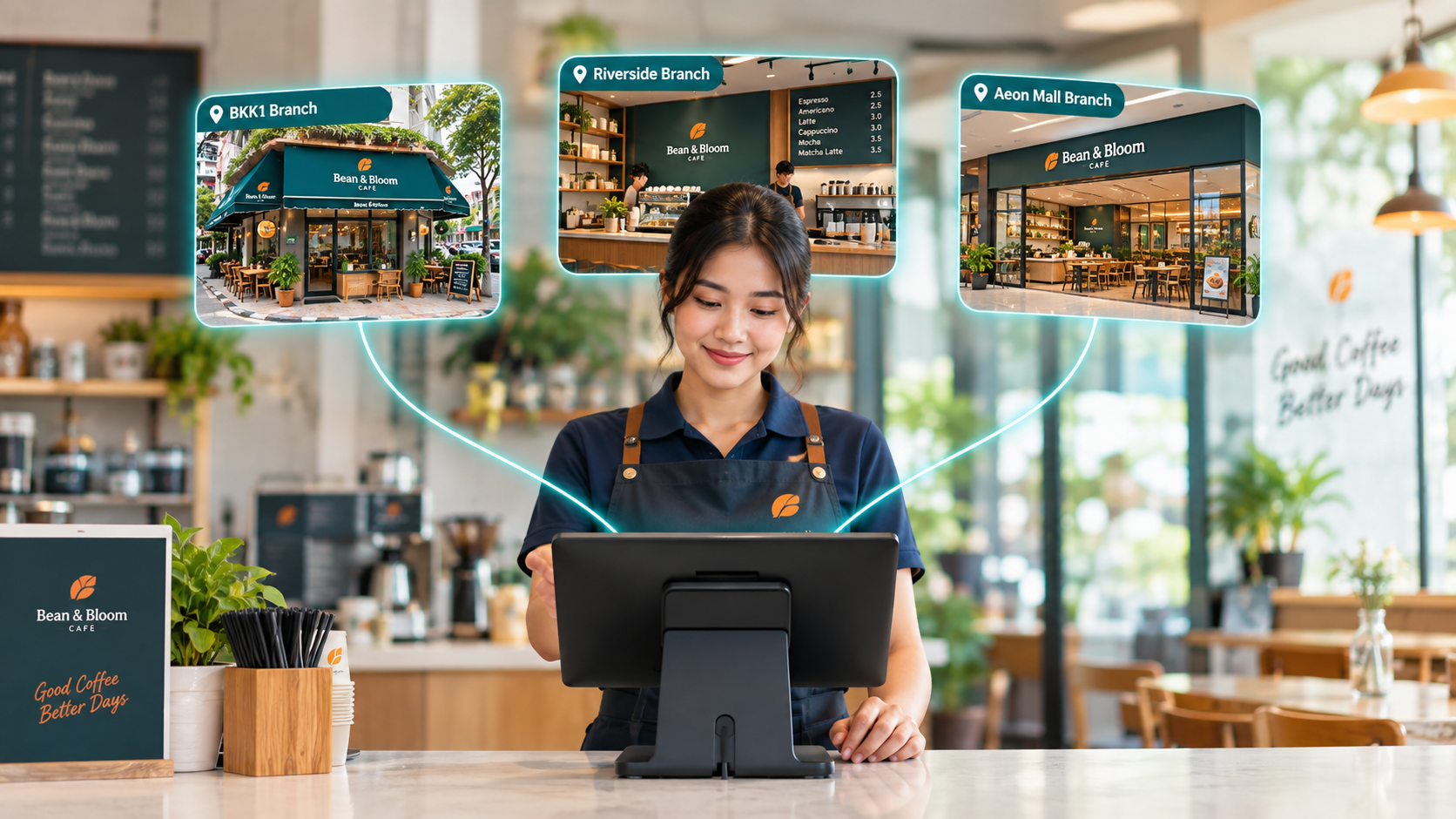
A multi-store POS Cambodia owners can manage from a single account solves exactly this. Instead of separate notebooks, separate spreadsheets, and end-of-day messages from each manager, every sale, stock count, and staff action from every branch flows into one place you can check from anywhere.
The Problem With Running Each Branch Separately
Most owners don’t plan to lose control of their branches. It happens gradually, because each location ends up running its own way:
1. Reports arrive late, or not at all Each branch manager sends a daily summary by phone or chat, if they remember. By the time you add up the numbers from two or three shops, the day is already over.
2. Nobody knows which branch is actually performing When sales are recorded in different notebooks or files, comparing branches fairly is slow. You can’t easily tell whether a slow month is a real problem or just one location having a bad week.
3. Stock goes out of sync A product that’s selling out at one branch may be sitting untouched at another, and without a shared view you only find out when a customer walks away empty-handed.
4. Everyone has the same access, or no clear access at all When every staff member at every branch uses the same login or the same drawer, it’s hard to see who did what, and harder to limit what each person can change.
Multi-Store POS Cambodia: What Changes When Every Branch Is Connected
1. Track sales and inventory across locations in one place Every transaction and stock movement from every branch is recorded in the same account. You don’t wait for someone to send you numbers, because they’re already on your dashboard the moment a sale happens.
2. Consolidated reporting, with filters when you need detail See the whole business in one report, or narrow it down by store, staff member, date, or supplier. Sales, expenses, and profit and loss reports work the same way, so you can compare one branch against another in seconds rather than hours.
3. Unique permissions for each store employee A cashier at one branch can be limited to taking sales, while a manager can view reports or process refunds. Each person only sees and does what their role needs, and every action stays tied to the right staff member.
4. Manage more than one company in one account If you run separate businesses, such as a café and a retail shop under different names, you don’t need a separate login for each. Manage them together from one account and switch between them when you need to.
5. Check your branches from your phone The MyLekha Dashboard app for iOS and Android lets you look at sales and performance from home, from another city, or while travelling, without calling each shop.
Quick Comparison
| Each Branch Runs Separately | Multi-Store POS | |
|---|---|---|
| Sales reports | Collected manually, often late | Live, consolidated on one dashboard |
| Comparing branches | Slow, done by hand | Filter by store, staff, or date |
| Stock visibility | Only what each branch reports | Tracked across locations |
| Staff access | Shared logins or unclear roles | Unique permissions per employee |
| Multiple businesses | Separate systems for each | Managed in one account |
| Checking remotely | Call or message each manager | Dashboard app on your phone |
Who Benefits Most
- Café and restaurant owners opening a second or third location and wanting the same menu and pricing standards everywhere
- Retail store owners who need to see which products sell at which branch
- Health and beauty businesses with several salons or clinics and different staff at each
- Owners with more than one business who want everything under a single login
Getting Started
You don’t need to connect every branch on day one. Most owners set up their first store fully, get the team comfortable, and then add the next branch. MyLekha’s plans grow with you: the Standard plan supports 2 stores, and the Premium plan supports up to 7 stores. You can see the current details on our pricing page, or explore everything the system offers on the features page.
FAQ
Do I need a separate account for each branch? No. A multi-store POS lets you manage all your locations from one account and view them together or one at a time.
Can I control what each staff member can do at each branch? Yes. You can set unique permissions per store employee, so cashiers, managers, and owners each see only what they need.
Can I check my branches when I’m not there? Yes. The MyLekha Dashboard app for iOS and Android lets you review sales and reports from your phone, wherever you are.
How many stores can I manage? It depends on your plan. Standard supports 2 stores and Premium supports up to 7. Contact our team if you need more.
Ready to See Every Branch in One Place?
See how MyLekha’s cloud POS gives you consolidated reports, store-level permissions, and live visibility across all your locations. Start your free 15-day trial today, no credit card required.