Online Seller POS Cambodia: How to Keep One Record for Every Sale
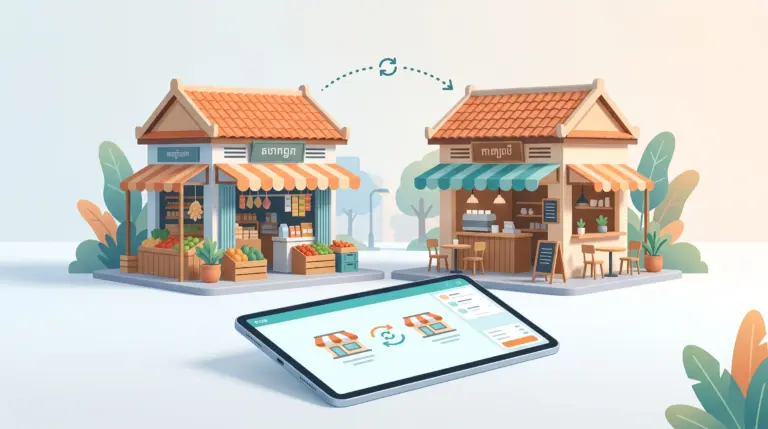
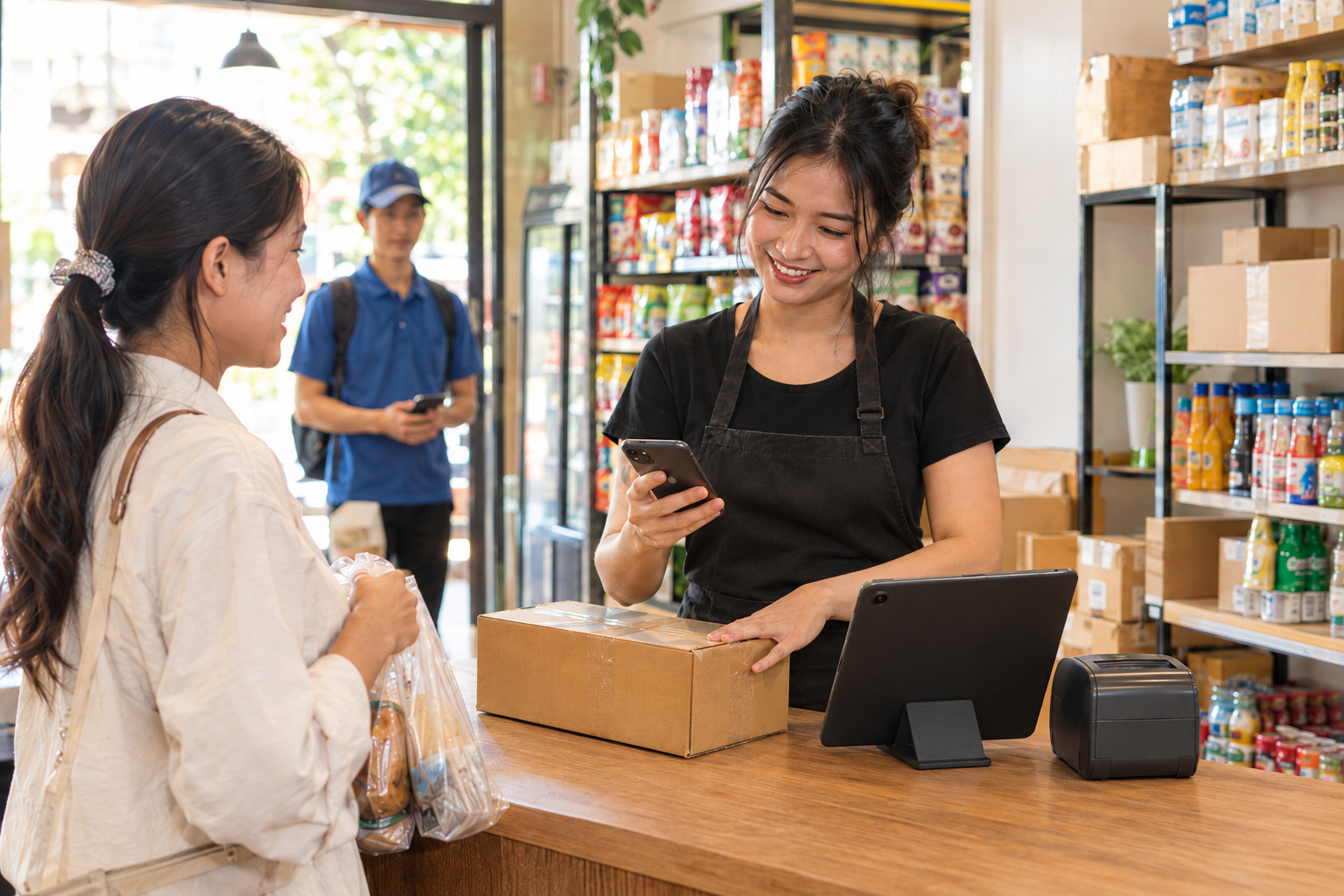
An online seller POS Cambodia owners can rely on starts with one simple rule: every sale goes in one place. Many shops in Cambodia sell in more than one way. A customer messages on Facebook or Telegram, you confirm the order, and a courier collects it. Another walks into the shop and buys the same product. If those two sales live in different places, such as a chat history and a notebook, your stock quickly stops matching reality.
This matters if you sell from a shop and online, sell mostly online from a stockroom, or sell at a stall and through your page. Here is how to keep it under control.
The Problem With Selling in Two Places
1. Stock gets sold twice A customer buys the last item in the shop, and an hour later you confirm the same item to someone chatting online. Nobody checked, because the stock lived in two different heads.
2. Orders hide inside chats A sale confirmed in a Telegram or Facebook thread is easy to lose among hundreds of messages. At month end, you can’t say how much you sold online.
3. You can’t see the whole business If shop sales are in one record and online sales in another, you can’t tell which products sell best overall, or whether online is worth the effort.
4. Payments get mixed up Online customers pay by KHQR or bank transfer, and in-person customers pay cash. Without one record, matching each payment to an order is slow.
5. Returns and cancellations are hard to track An online order that gets cancelled or returned has to be reflected in your stock and your totals, or both are wrong.
One Rule: Every Sale Is a Sale
You don’t need two systems. You need to treat an online sale the same as a shop sale, by recording it in your POS at the moment it’s confirmed or paid. Then your stock, your payments, and your reports include everything.
A note on how this works: MyLekha doesn’t need to connect to Facebook or Telegram for this to help. You, or someone on your team, enter the sale the same way you would for a customer at the counter. The benefit comes from having one record, not from an automatic link.
How to Do It With MyLekha
1. Put all your products in one place Add your whole catalogue to MyLekha, whether you sell it online, in the shop, or both. Stock then lives in one place instead of several.
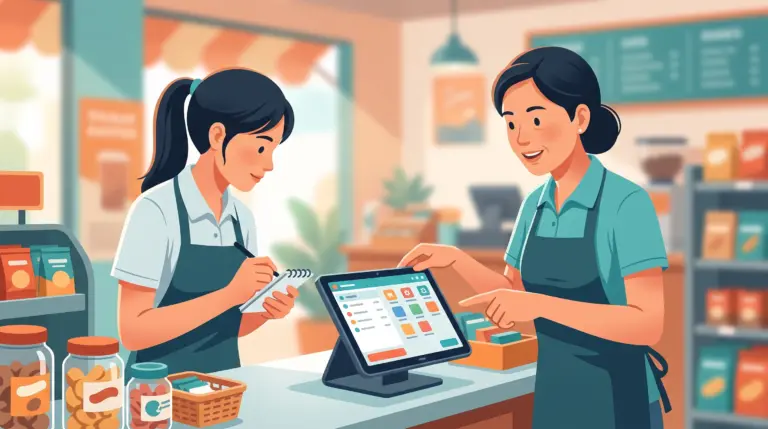
2. Record each online order as a sale When a customer confirms and pays, ring it up in the POS. Stock goes down automatically, so the next customer, online or in person, is checked against the real count.
3. Record how they paid Cash, KHQR, and ABA PayWay are supported, and MyLekha supports payments in USD or Riel. Choose the way the customer paid, so your reports show where the money really came from.
4. Give the customer a receipt Receipts and invoices can be customized with your business details, so an online customer gets something that looks professional.
5. Handle returns the same way Quotes and refunds are supported, so a returned or cancelled order is reflected in your stock and reports instead of being fixed by hand later.
6. Check stock before you promise it Before you tell a customer in chat that something is available, you can look at your stock in the system. That one habit prevents most double-sold items.
7. See everything in your reports Reports show your best sellers and slow movers by item and category across all your sales. The MyLekha Dashboard on iOS and Android lets you check them from anywhere, including between customer messages.
A Day, Before and After
Without one record: a customer orders on Telegram, you note it in your phone, and then someone buys the same item in the shop. At night, you try to piece together sales from messages, a notebook, and your memory, and the stock count is a guess.
With one record: each order is entered as it’s confirmed. Stock updates, the payment is recorded, and the day’s total includes shop and online sales together.
Quick Comparison
| Selling in Two Places | One Record in a POS | |
|---|---|---|
| Stock | Split between chats and the shop | One count, updated with every sale |
| Orders | Hidden in message threads | Recorded as sales |
| Payments | Matched by hand | Recorded by payment type |
| Receipts | Often none | Printed or shared from the system |
| Returns | Fixed by hand | Linked to the original sale |
| Reports | Shop only, or guesswork | Every sale in one report |
Who This Is For
- Shops that also sell on Facebook or Telegram
- Online-first sellers with a stockroom or small shop
- Market stall sellers who take orders through their page
- Anyone who wants one clear count of stock and sales
Getting Started
Start by adding your products and their stock. Then make a habit of entering every confirmed sale, online or in person. Most MyLekha customers load their catalogue and start selling within a day. See everything the system includes on our features page, or check current plans on the pricing page.
FAQ
Does MyLekha connect to Facebook or Telegram? You enter online sales in MyLekha yourself, in the same way as a counter sale. The benefit is having one record of stock and sales.
Can I take KHQR payments for online orders? Yes. KHQR and ABA PayWay are supported, and you can record the payment method for each sale.
Can I give online customers a receipt? Yes. Receipts and invoices can be customized with your business details.
What if an online order is cancelled or returned? Refunds are supported and linked to the original sale, so stock and reports stay accurate.
Can I check stock from my phone while chatting with a customer? Yes. The MyLekha Dashboard works on iOS and Android, so you can check your numbers from anywhere.
Ready to Keep One Record for Every Sale?
See how MyLekha helps online sellers keep stock, payments, and reports in one place. Start your free 15-day trial today, no credit card required.