

Organizing Your Product Catalog on a POS in Cambodia: Finding Items Fast When You Sell Hundreds of Them
A small shop with twenty products can get away with scrolling through a list to find what they need. A mini-mart, pharmacy, or clothing shop with hundreds of items can’t. Without a way to narrow things down, every sale turns into a search — scrolling past products that don’t matter to find the one that does, while a customer waits. (Official standards supported by National Bank of Cambodia (NBC))
Table of Contents
MyLekha POS lets businesses filter items by brand or category, so a large catalog stays fast to search instead of becoming a wall of products to scroll through.
Why an unorganized catalog slows everyone down: Product Catalog Filter Pos
- Every sale takes longer. Without filters, finding one item among hundreds means scrolling or typing a search term and hoping it matches.
- New staff struggle the most. A cashier who doesn’t yet know the product list by memory depends entirely on the system being easy to search.
- Restocking and pricing reviews get harder. Checking stock or prices across a single brand or category becomes tedious without a way to view just those items.
- Mistakes increase under pressure. During a rush, a cashier more likely grabs the wrong similar-looking item when everything is mixed together.
How MyLekha handles it
Filter by brand. For shops that carry multiple brands of the same type of product — different coffee brands, different clothing labels, different skincare lines — items can be filtered by brand, so staff can narrow in quickly.
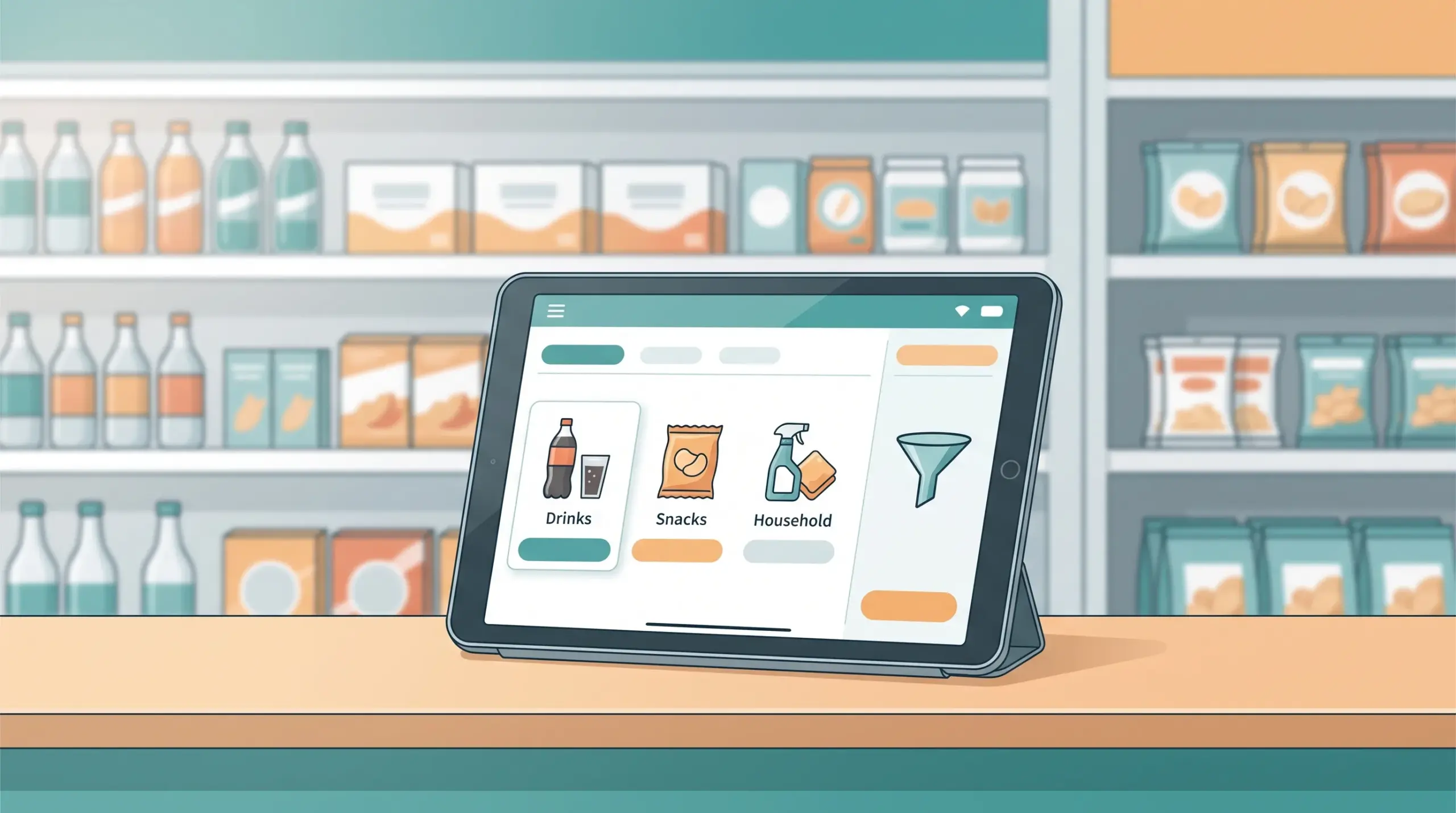
Filter by category. Products can also be filtered by category, letting staff (or the system) group similar items together, whether that’s by product type, department, or however the business organizes its catalog.
Works alongside item variants. Since MyLekha also manages items with different brands, colors and other options, filtering and variant management work together to keep a complex catalog organized rather than listing every variation as a separate, unsorted item.
What this looks like in practice
- A mini-mart owner sets up categories for their shop — drinks, snacks, household items, personal care — and tags each product accordingly.
- At checkout, a cashier filters to “drinks” when a customer asks for a specific soda brand, instead of scrolling through the entire inventory.
- When reviewing stock, the owner filters by category to check how snacks are selling compared to drinks, without sifting through unrelated items.
- A new staff member who doesn’t know the shop’s full catalog yet can still find items quickly using the same filters.
Why this matters as your catalog grows
- Faster checkout, especially for shops with large or varied inventories
- Easier onboarding for new staff who aren’t yet familiar with every product
- Clearer stock reviews, since items can be checked by category or brand instead of one by one
- Scales with the business, so adding more products doesn’t make the system harder to use
This becomes especially useful alongside real-time inventory tracking, since a well-organized catalog makes stock checks by category or brand much faster.
Conclusion
A growing product list shouldn’t mean a slower checkout. With items organized and filterable by brand and category, your POS stays fast and easy to search, no matter how large your catalog gets.
Explore MyLekha POS features, check pricing, or talk to our team about organizing your product catalog.
FAQ
Can I filter products by brand at checkout? Yes, MyLekha POS supports filtering items by brand.
Can I also filter by category? Yes, items can be filtered by category as well.
Does this work well for shops with hundreds of products? Yes, filtering is especially useful for larger catalogs where scrolling through every item isn’t practical.