


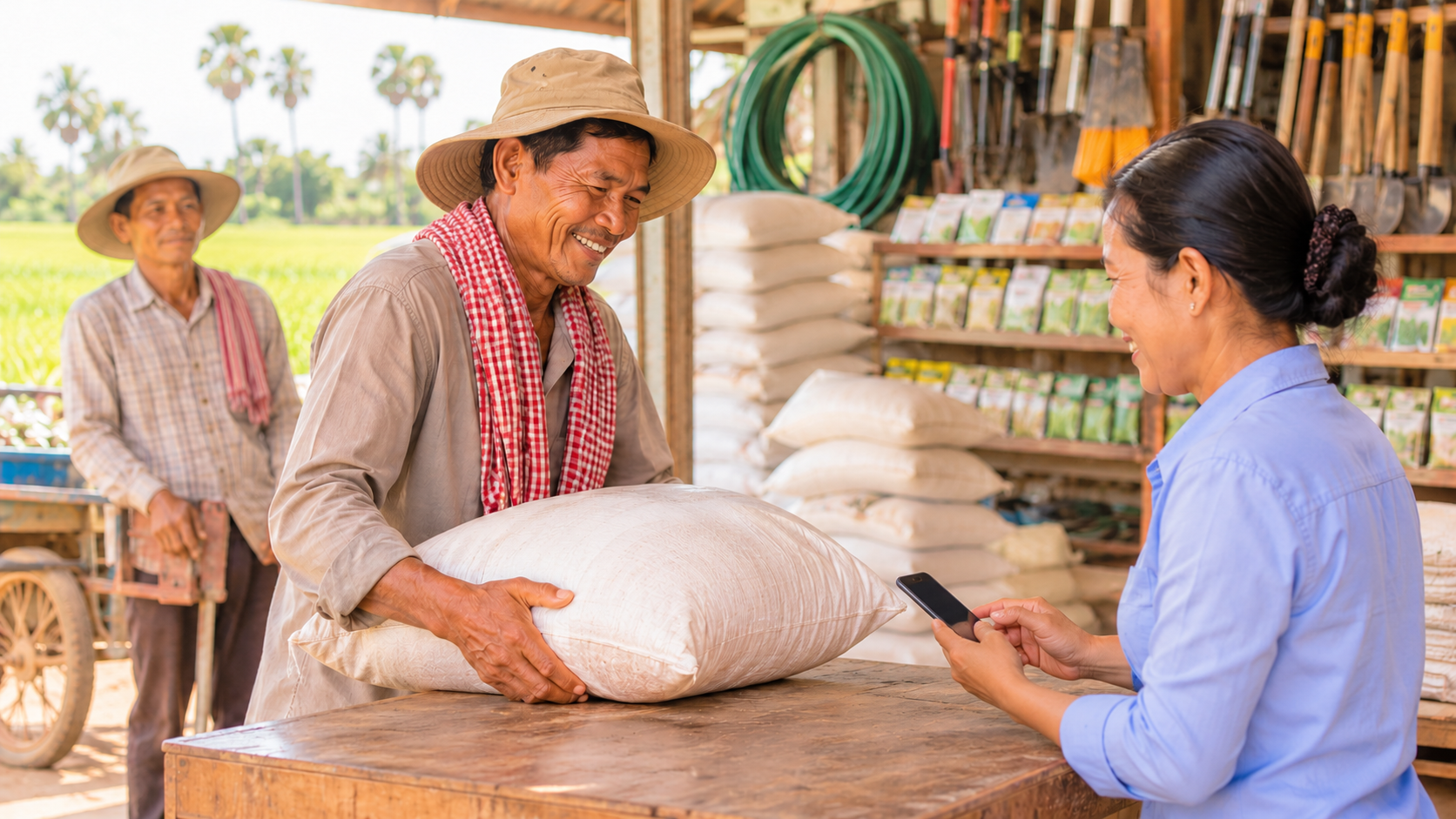
Farm Supply Shop POS Cambodia: Managing Seasons, Bulk Orders, and Customers Who Pay at Harvest
A farm supply shop POS Cambodia owners can rely on has to follow the farming calendar. For weeks, the shop is quiet. Then planting season arrives, and farmers come all at once for seeds, fertilizer, animal feed, sprayers, and tools. Many buy in large amounts, many ask for a price before they commit, and many ask to pay later, when the harvest is sold.
That mix of sharp seasonal peaks, bulk sales, and credit is what makes farm supply different from an ordinary shop, and it is why a farm supply shop POS Cambodia owners rely on has to handle more than a simple sale. Here is where a POS helps most.
What Makes a Farm Supply Shop Hard to Manage
1. Sharp seasonal peaks Sales don’t spread evenly across the year. A few busy weeks can decide your income, and running out of a key product at the wrong moment sends customers to a competitor.
2. Bulk and varied units Fertilizer and feed are sold by the bag or sack, seeds by the pack, and tools by the piece. The shop has to price and count each correctly.
3. Customers who pay later Farmers often have cash only after the harvest. Selling on credit is common, but without a clear record, debts get forgotten or disputed.
4. Items with dates and storage needs Seeds, feed, and chemicals have dates and storage conditions. Old stock at the back of the storeroom can lose value or become unusable.
5. Customers who want a price first For larger purchases, such as a season’s fertilizer, farmers want a price before they decide.
6. Owners who are often away from the counter Running a farm supply shop often means visiting suppliers and customers, so the owner isn’t always at the shop.
How a POS Helps in a Farm Supply Shop
1. Price and count products in the right units Each product can be set up with its price, and our guide on combo sets and unit options explains how to sell items in different units. Staff pick the product, and the right price appears.
2. Quote larger orders MyLekha supports sales, quotes, and refunds. A written quote gives a farmer a clear price before they buy, and you keep a record of what was agreed. Our post on quotes and refunds on a POS explains how this works.
3. Keep customers who pay later under control If you sell on credit, keep a clear record of who owes what and when it’s due. Lending to your customers is lending your own working capital, and access to finance is one of the biggest pressures on small businesses everywhere. Our post on tracking unpaid invoices explains how to keep this organized, so credit helps your customers without hurting your cash.
4. Different prices for different customers Regular farmers, cooperatives, and shops that resell your products may each get a different price. Our guides on multiple price levels and wholesale pricing explain how to set this up.
5. Keep stock accurate before the rush Every sale updates your stock, and you can adjust stock and run inventory counts. Before planting season, count your key products, so you order enough and don’t run out. Our post on how much stock to order gives a simple reorder method.
6. Plan the season from last year’s sales Reports can be filtered by date, so you can see what sold in the last planting season, and when the rush began. Our post on planning for peak season explains how.
7. Make quiet months count Our post on using the slow season has ideas for the weeks between rushes.
8. Take every payment Cash, KHQR, and ABA PayWay are supported at checkout, and MyLekha supports payments in USD or Riel. KHQR runs on the National Bank of Cambodia’s Bakong system, which is useful when a farmer would rather not carry cash to town.
9. Check from the field The MyLekha Dashboard works on iOS, Android, and the web, so you can see the day’s sales from a supplier’s office or a customer’s farm. If you run more than one shop, MyLekha supports multi-store management.
Look After Stock With Dates
For seeds, feed, and chemicals, the system helps you count, but checking dates and storage is a shelf habit. Rotate stock so older items sell first, and follow the storage and safety guidance on product labels. The FAO’s work on plant production and protection covers why correct handling of seeds and crop chemicals matters. Our post on first in first out stock explains a simple rule. If an item can no longer be sold, record it as a stock adjustment, so your records match your shelves.
Don’t Let Slow Items Tie Up Cash
A farm supply shop can hold a lot of money in products that rarely sell. Check your sales by item report after each season, and look for products that didn’t move. Our post on dead stock explains what to do with them.
A Planting-Season Morning, Before and After
Without a POS: a farmer asks for a price on a season’s fertilizer, and the shop quotes from memory. Another asks to pay at harvest, and the amount goes into a notebook. At night, the owner isn’t sure how many bags are left.
With a POS: the farmer gets a written quote, the credit sale is recorded, and stock updates after every sale. The owner checks the day’s totals from a phone.
Quick Comparison
| Notebook and Memory | Farm Supply Shop With a POS | |
|---|---|---|
| Large orders | A price said aloud | A written, saved quote |
| Customers who pay later | A name in a notebook | Tracked with unpaid invoices |
| Customer prices | Remembered | Price levels set in the system |
| Stock before the rush | A rough guess | Counted and updated |
| Planning the season | From memory | From last year’s sales |
| Checking the shop | Only in person | From your phone |
Who This Is For
- Seed, fertilizer, and animal feed shops
- Farm tool and equipment sellers
- Irrigation and sprayer suppliers
- Agricultural input shops in provincial towns
Farm Supply Shop POS Cambodia: A Quick Checklist Before You Start
- Load your seasonal products first, the ones farmers buy in the rush
- Set the right unit for each item, by bag, sack, pack, or piece
- Set your price levels for farmers, cooperatives, and resellers
- Decide your credit rules before planting season, and write them down
- Count your key stock in the weeks before the rush begins
- Check last season’s report so you order the right amount this time
Getting Started
Start with your product list and the prices of your most common items. Most MyLekha customers load their catalogue and start selling within a day. See everything the system includes on our features page, or check current plans on the pricing page.
FAQ
Can I give a farmer a quote before they buy? Yes. MyLekha supports quotes, so the customer gets a clear price and you keep a record.
Can I sell products in different units, such as bags and packs? See our guide on combo sets and unit options for how to set up different units.
Can I keep track of customers who pay at harvest? See our guide on tracking unpaid invoices for how to keep credit sales organized.
Can I see what sold last planting season? Yes. Reports can be filtered by date and show sales by item and category.
Can I check the shop when I’m away? Yes. The MyLekha Dashboard works on iOS, Android, and the web.
Ready for the Next Planting Season?
See how MyLekha works as the farm supply shop POS Cambodia owners use to quote orders, track credit, and plan the season. Start your free 15-day trial today, no credit card required.