Multiple Price Levels on a POS in Cambodia: Sell Wholesale and Retail Without Manual Price Changes
Some businesses sell the same product at two different prices — a retail customer walking in pays one amount, while a wholesale buyer or a regular business customer pays another. Others run several branches where prices differ slightly by location, based on rent, foot traffic or local competition. Managing this by memory or with sticky notes on the register is where mistakes creep in: a retail price accidentally applied to a wholesale order, or a discount meant for one branch showing up at another.
A POS that supports multiple price levels solves this by letting each store or customer type have its own correct price, applied automatically — no manual adjustment needed at checkout.
The problem with a single price list
- One price doesn’t fit every customer. Wholesale buyers, loyal regulars and walk-in shoppers often deserve different pricing, but a single price list can’t reflect that.
- Branch-to-branch differences get lost. A product priced for a high-traffic city location may need to be priced differently at a quieter branch, but staff can’t be expected to remember every exception.
- Manual overrides are risky. When a cashier has to type in a special price by hand, it’s easy to get it wrong, and there’s no consistent record of why the price was changed.
- No clear way to reward regular customers. Without price tiers, offering better pricing to loyal or high-volume customers means either a flat discount for everyone or an insecure register override.
How MyLekha handles it
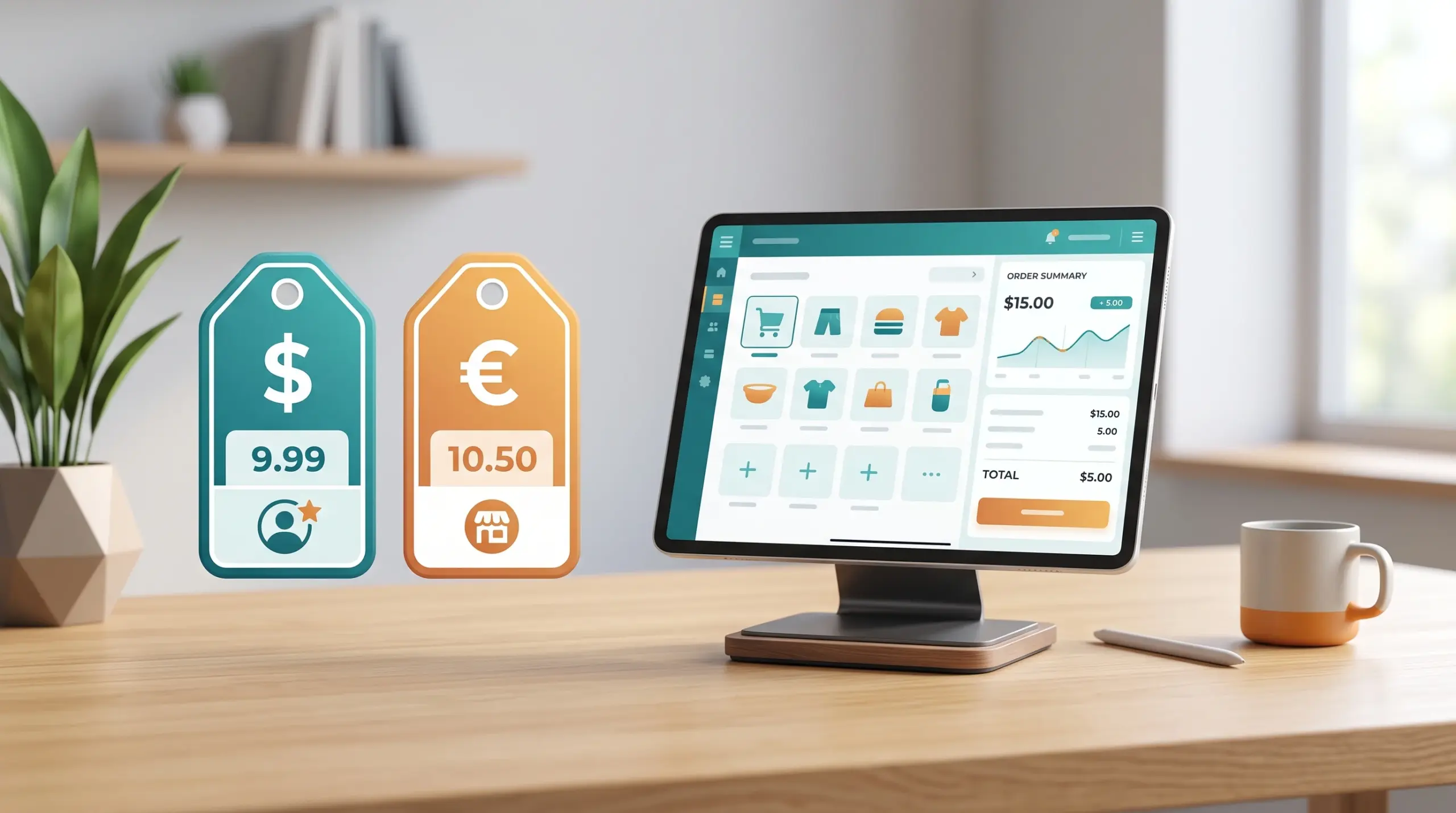
Set different price levels for different stores. If you run multiple branches, MyLekha POS lets you set separate price levels per store, so each location’s price list reflects what makes sense for that market.
Set different price levels for different customer types. The same product can carry different prices for different customer categories — for example, retail versus wholesale — so the correct price shows up automatically based on who’s buying.
Filter items by brand or category. Combined with price levels, this makes it easier to manage large catalogs where pricing rules differ across product lines.
Works with your existing discount tools. Price levels handle the base price differences, while percentage or amount discounts still apply on top when you’re running a promotion, so the two work together rather than conflicting.
A typical use case
- A shop sells the same product to walk-in customers and to a few regular business clients who buy in bulk.
- The regular clients are set up with a wholesale price level, so when they check out, the system automatically applies their price — no manual override needed.
- A weekend promotion is layered on top for retail customers only, without affecting the wholesale pricing.
- Across two branches, one in a busy area and one in a quieter neighborhood, each location’s price list reflects its own market, set once and applied automatically from then on.
Why this matters for growing businesses
- Accurate pricing every time, without relying on a cashier’s memory
- Safer than manual overrides, since the system applies the correct price level automatically
- Easier expansion, since new branches can have their own price level from day one
- A clean way to reward wholesale or loyal customers without discounting for everyone
This pairs naturally with Multi-Store POS Cambodia: How to Run Multiple Branches From One Dashboard and with discounts and promotions, since price levels and discounts often work together.
Conclusion
Not every customer or every branch should pay the same price, and they don’t have to. With price levels built into your POS, the right price shows up automatically, every time, at every location.
Explore MyLekha POS features, check pricing, or talk to our team about setting up price levels for your business.
FAQ
Can I set different prices for different branches?
Yes, MyLekha POS supports different price levels per store.
Can I offer a wholesale price to specific customers?
Yes, price levels can be set for different customer types.
Is this useful for a single-branch shop, or only multi-store businesses?
It’s most useful for multi-branch businesses or shops that serve both retail and wholesale customers, but it can help any shop that wants to offer special pricing to specific customer groups.