How Much Stock to Order: A Simple Reorder Method for Shops in Cambodia
“How much should I order?” is one of the hardest questions in a small shop. Order too little and your best-seller runs out on a busy day. Order too much and your money sits on the shelf, maybe past its best.
Most owners answer by feeling. There’s a simple method that works better, and your POS already holds the numbers you need. Here’s how to decide how much stock to order without guessing.
The problem with ordering by feeling
- Stockouts. A popular item runs out and customers go elsewhere.
- Overstock. Slow items tie up cash you could use for something else.
- Panic orders. Small, rushed orders often cost more than planned ones.
- No pattern. Without numbers, you repeat the same mistakes each month.
The simple reorder method
You only need three numbers for each important item.
1. How many you sell per day (on average).
Check your sales report for the past few weeks. If you sold 84 units in 4 weeks, that’s about 3 per day.
2. How many days a delivery takes.
From the moment you order to the moment it arrives on your shelf. For example, 3 days.
3. A small safety buffer.
Extra stock for a busy day or a late delivery. A common starting point is a few extra days of sales.
Then:
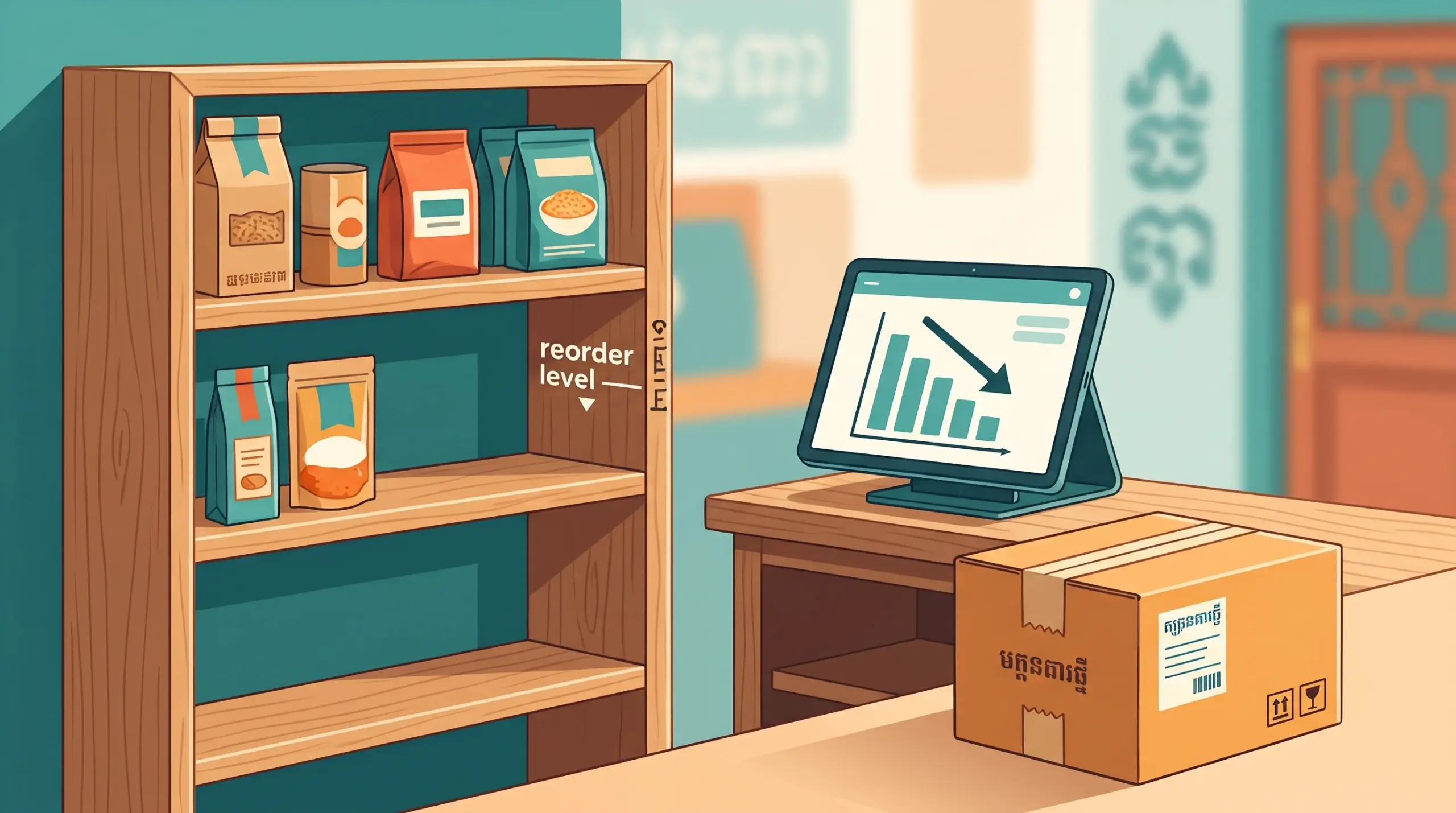
Reorder level = (average daily sales × delivery days) + safety buffer
Example: 3 per day × 3 days = 9, plus a buffer of 6 = 15. When stock falls to about 15, it’s time to order.
These numbers are only an example. Use your own sales and your own delivery time.
How to use your POS
Find your best-sellers. Start with the items that sell most, since a stockout there costs you the most. See Best Selling Products on a POS.
Watch your stock in real time. MyLekha tracks inventory in real time for every transaction, so you can see what’s left without counting. See Inventory Management on a POS.
Use stock alerts. MyLekha includes a stock alert feature to help you notice low items. Check your settings to see how alert levels work, and write your reorder level next to each item if needed.
Record every delivery. When stock arrives, record it as a purchase so the count stays right. See Stock Purchases and Transfers on a POS.
Count to confirm. Run an inventory count regularly and adjust any difference. See Month-End POS Checklist.
How much to order each time
Once you know your reorder level, a simple way to decide the quantity is:
- Order enough to cover your next cycle (for example, 7 days of sales)
- Add the buffer if the item is critical
- Reduce the amount for items that sell slowly or expire
Adjust for busy seasons
Your average changes with the calendar. Before a festival or tourist season, raise your numbers using last year’s sales. See Plan for Peak Season.
Check that ordering pays off
Buying more stock doesn’t help if the profit isn’t there. Read your reports to see which items actually earn money. See Profit and Loss Report in Cambodia.
A quick weekly routine
- Look at your best-sellers and your low-stock items
- Compare each one to its reorder level
- Place one planned order, instead of several small ones
- Record the delivery when it arrives
- Write down what ran out, so you can order more next time
Conclusion
You don’t need a complicated formula to order well. Know how much you sell, how long delivery takes and how much buffer you want, and let your POS show you the rest. A few minutes each week can save you both empty shelves and wasted money.
Explore MyLekha POS features, see which plan fits, or talk to our team about tracking your stock.
FAQ
How do I know how much I sell each day?
Check your sales reports for a few weeks and divide the total by the number of days.
Does MyLekha track stock in real time?
Yes. Inventory is tracked in real time for every transaction.
Does MyLekha have stock alerts?
Yes. MyLekha includes a stock alert feature to help you spot low items.
Should I use the same reorder level all year?
No. Raise it before busy seasons and lower it in quiet months.
Can I try this for free?
Yes. The Starter plan is a free trial.