

Bakery POS Cambodia: Selling Fresh, Wasting Less, and Knowing What Sells
A bakery POS Cambodia owners can rely on has to work around a problem few other shops have: what you sell doesn’t keep. A tray of croissants that sells out by ten in the morning means lost sales. A tray left over at closing is money in the bin. The whole business sits between those two outcomes, and the only way to find the middle is to know what sold, and when.
Here is where a POS helps a bakery or dessert shop most.
What Makes a Bakery Different: Bakery POS Cambodia
1. Products that expire the same day Most bakery items are best on the day they’re made. Overbaking means waste, and underbaking means empty shelves and disappointed customers.
2. A morning rush and a quiet afternoon Sales often arrive in waves. The morning queue demands fast service, and the slow hours are when mistakes and waste get quietly added up.
3. Many small items, many options A bakery sells dozens of products, in sizes, flavors, and box sizes. Prices need to be right, and the counter needs to stay quick.
4. Waste that doesn’t get recorded Items thrown away or given away at closing usually aren’t written down anywhere, so the true cost of waste stays hidden.
How a POS Helps in a Bakery
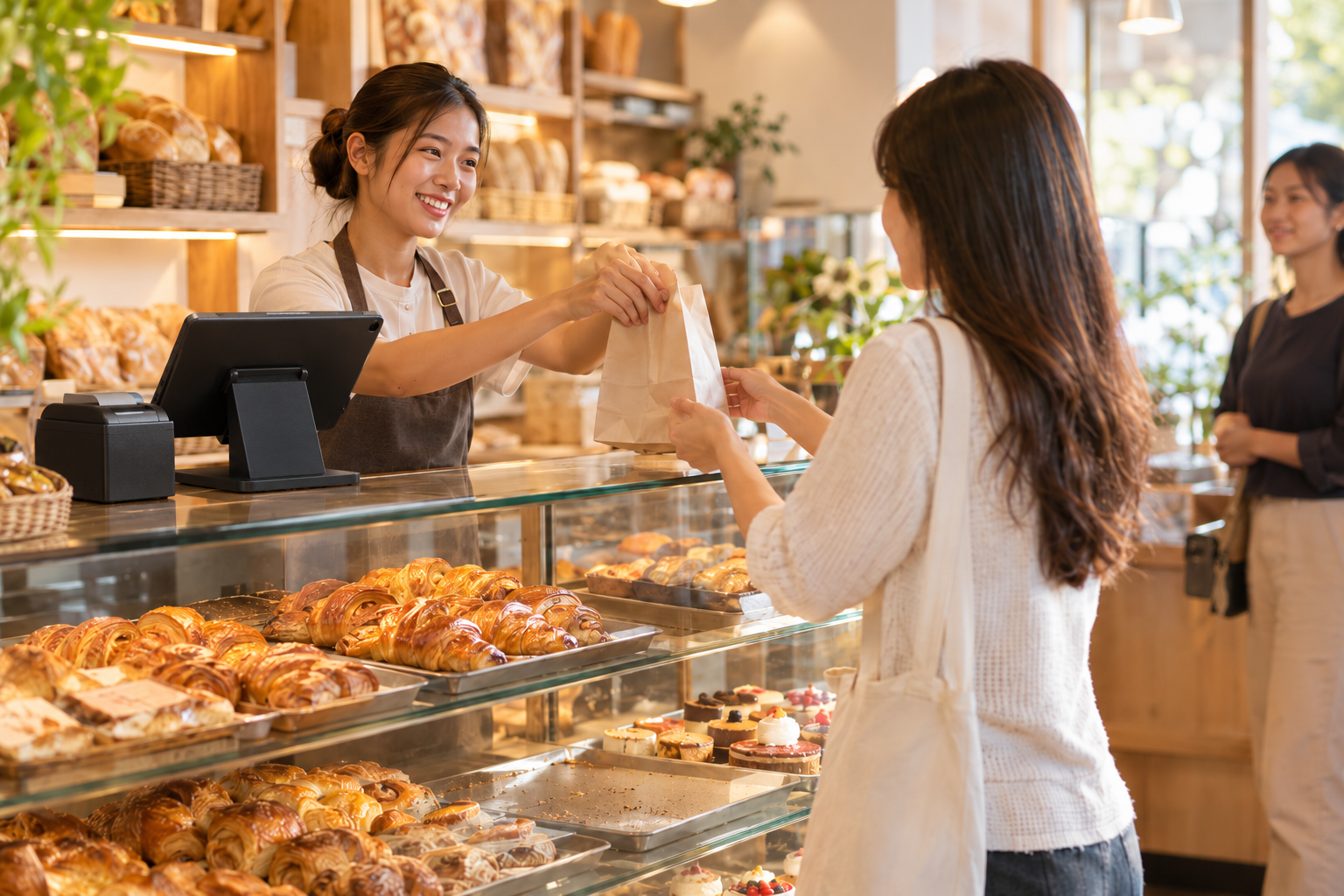
1. Fast counter checkout Items are rung up in a few taps, with the right price every time, and receipts print as part of checkout. During the morning rush, speed matters more than anything else.
2. Sizes and flavors handled properly Products can have variants, such as size or flavor, so each version is sold and tracked on its own while staying under one product.
3. Take every payment way Cash, KHQR, and ABA PayWay are supported at checkout, and MyLekha supports payments in USD or Riel, so the counter can serve every customer without delay.
4. See what sells, and when Reports show your sales by item and by category, and can be filtered by date. Compare a weekday to a weekend, or this week to last week, to see which products sell steadily and which are slow. That is the information you need to decide how much to bake.
5. Record what you throw away When items are spoiled or unsold, record them as a stock adjustment, so your records match what really happened and the cost of waste becomes visible instead of vanishing.
6. Keep ingredient and product stock under control Every sale updates your stock, and you can run inventory counts and adjustments. Seeing the gap between what the system says and what is on the shelf helps you spot problems early.
7. Serve customers away from the counter A mobile POS lets you sell at a market stall, an event, or a pop-up table, without needing a fixed counter.
8. Run more than one bakery If you open a second shop, MyLekha supports multi-store management, and the Dashboard on iOS and Android shows your sales from anywhere.
Using Your Reports to Bake the Right Amount
A POS won’t tell you exactly how many loaves to bake, but it gives you the numbers to decide with confidence. Once a week, look at:
- What sold out, and how early. If a product regularly runs out before noon, you may be baking too little.
- What was left over. If a product regularly shows up in your waste records, you may be baking too much.
- Day-to-day patterns. Do weekends sell differently from weekdays? Adjust your baking plan to match.
- Slow items. Products that never sell take effort and ingredients. Consider changing or removing them.
Small adjustments, repeated weekly, reduce waste and lost sales more than a big change once in a while. Our post on finding your best selling products shows how to read these reports.
Quick Comparison
| Notebook and Guesswork | Bakery With a POS | |
|---|---|---|
| Counter speed | Prices from memory | A few taps per item |
| Sizes and flavors | Written out each time | Variants on each product |
| Payments | Cash, QR checked separately | Cash, KHQR, and ABA PayWay at checkout |
| What sold | Remembered | Reports by item, category, and date |
| Waste | Thrown away, not recorded | Recorded as stock adjustments |
| Baking amount | Gut feeling | Based on real sales |
Who This Is For
- Bakeries and bread shops
- Cake and dessert shops
- Pastry and coffee-and-cake cafés
- Market stalls and pop-up food sellers
Getting Started
Setting up a bakery starts with your product list, with prices, sizes, and flavors. Most MyLekha customers load their catalogue and start selling within a day. See everything the system includes on our features page, or check current plans on the pricing page.
FAQ
Can I see how much of each item I sold today? Yes. Reports show sales by item and category, and can be filtered by date.
How do I record items that were thrown away? You can record them as a stock adjustment, so your stock matches what really happened.
Can I sell different sizes or flavors of the same product? Yes. Products can have variants such as size or flavor.
Can I use it at a market stall or event? Yes. A mobile POS lets you take sales and payments without a fixed counter.
Can customers pay by KHQR? Yes. KHQR and ABA PayWay are supported at checkout.
Ready to Waste Less and Sell More?
See how MyLekha helps a bakery speed up the counter, see what sells, and record what’s left over. Start your free 15-day trial today, no credit card required.