

Kitchen Display Staff Tracking: Know Who Prepared What
When a dish goes out wrong, the first question is always the same: who made it? Without a record, the answer is a guess, and kitchens can turn tense. When a dish comes out perfect, there’s no record either, so nobody gets the thanks they deserve.
According to MyLekha’s Features page, MyLekha Kitchen can automatically link finished dishes to the staff member who prepared them. Used well, kitchen display staff tracking helps you train, recognize and improve, without blame.
What MyLekha Kitchen does
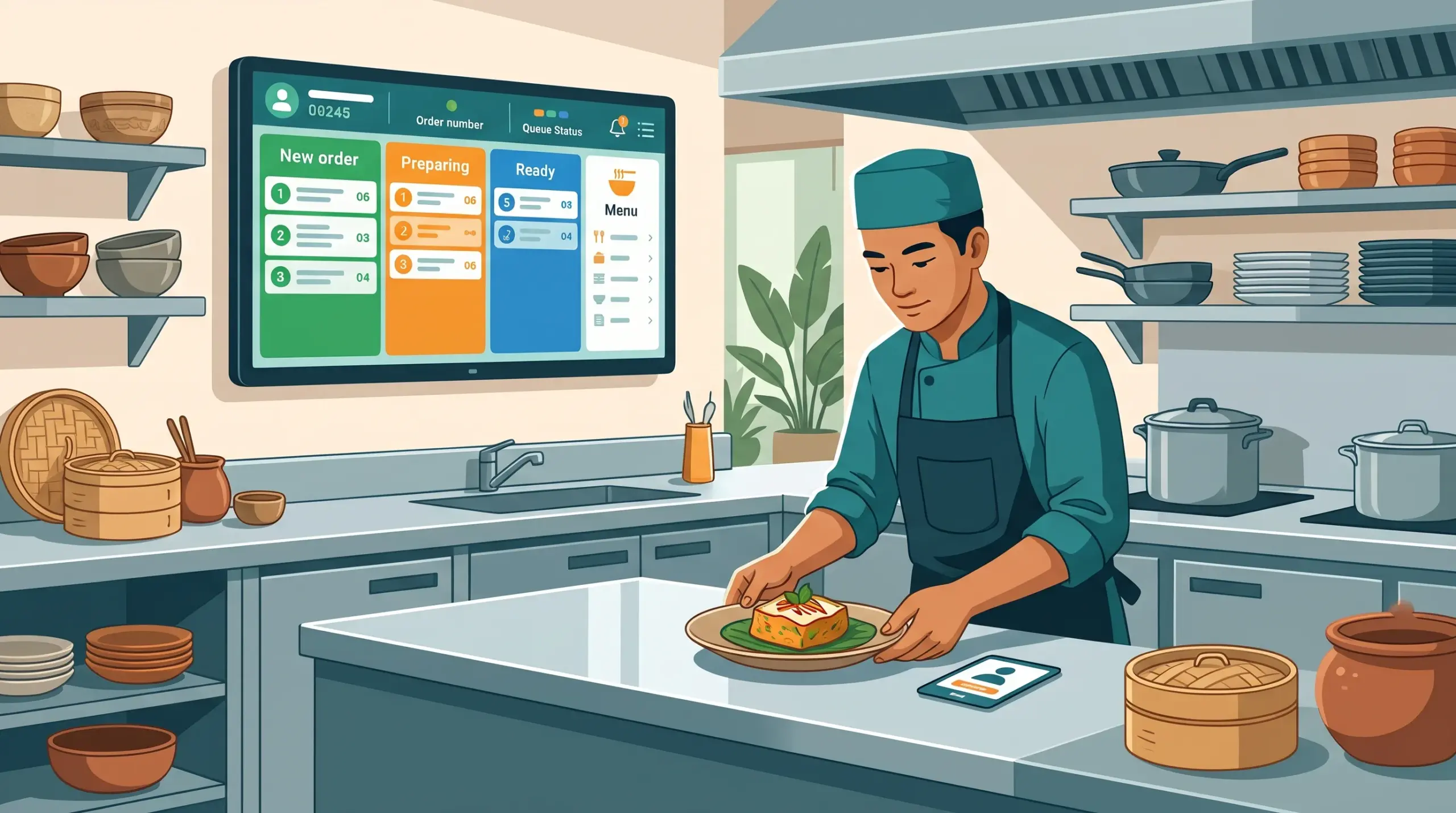
- Sends orders to the kitchen instantly, replacing paper tickets
- Tracks each order from start to finish using clear status columns
- Links finished dishes to the staff member who prepared them
See also How KDK Coffee Runs 5 Branches With MyLekha.
Why it helps
Fairer feedback. When a mistake happens, you can talk to the right person, calmly and privately.
Better training. If one person often gets a certain dish wrong, that points to a need for a lesson, not a punishment.
Real recognition. Cooks who work fast and well can be noticed and thanked.
Faster problem solving. Recurring issues are easier to spot, such as a dish that takes too long or a station that is overloaded.
A calmer kitchen. People work better when they know that records are used fairly.
How to introduce it kindly
- Explain the purpose first. “This helps us train and recognize good work, not catch people out.”
- Agree on the rules together. How will you use the information? When will you talk about it?
- Praise in public, correct in private.
- Look at patterns, not single mistakes. One bad dish is normal
- Review it as a team at a regular time, such as weekly
- Give feedback quickly, while everyone remembers the order
Combine it with clear orders
Many mistakes begin before the kitchen. Make sure special requests are recorded correctly. See Custom Orders POS Cambodia and Takeaway and Delivery Orders POS.
When customers complain
A clear record makes it easier to understand what happened and respond calmly. See Handle Customer Complaints in Cambodia.
For new staff
Use the first weeks to teach, not to judge. See New Cashier Training POS for a similar day-one approach.
A quick checklist
- Team told why you track
- Rules agreed together
- Weekly review scheduled
- Praise public, correction private
- Patterns reviewed, not single errors
- Orders recorded clearly before the kitchen
Conclusion
Tracking who prepared what isn’t about watching people. It’s about giving good cooks credit and helping new ones improve. Explain it kindly, use it fairly and your kitchen will feel clearer for everyone.
Explore MyLekha POS features, see plans, or talk to our team about your kitchen.
FAQ
Does MyLekha Kitchen link dishes to staff?
Yes. It can automatically link finished dishes to the staff member who prepared them.
Does the kitchen display replace paper tickets?
Yes. Orders are sent to the kitchen instantly.
Can I track an order from start to finish?
Yes. You can follow each order using clear status columns.
Should I use this to blame staff?
No. Use it for training, fair feedback and recognition.
Can I try MyLekha for free?
Yes. The Starter plan is a free 15-day trial.