Takeaway and Delivery Orders POS: Keep Every Order Straight
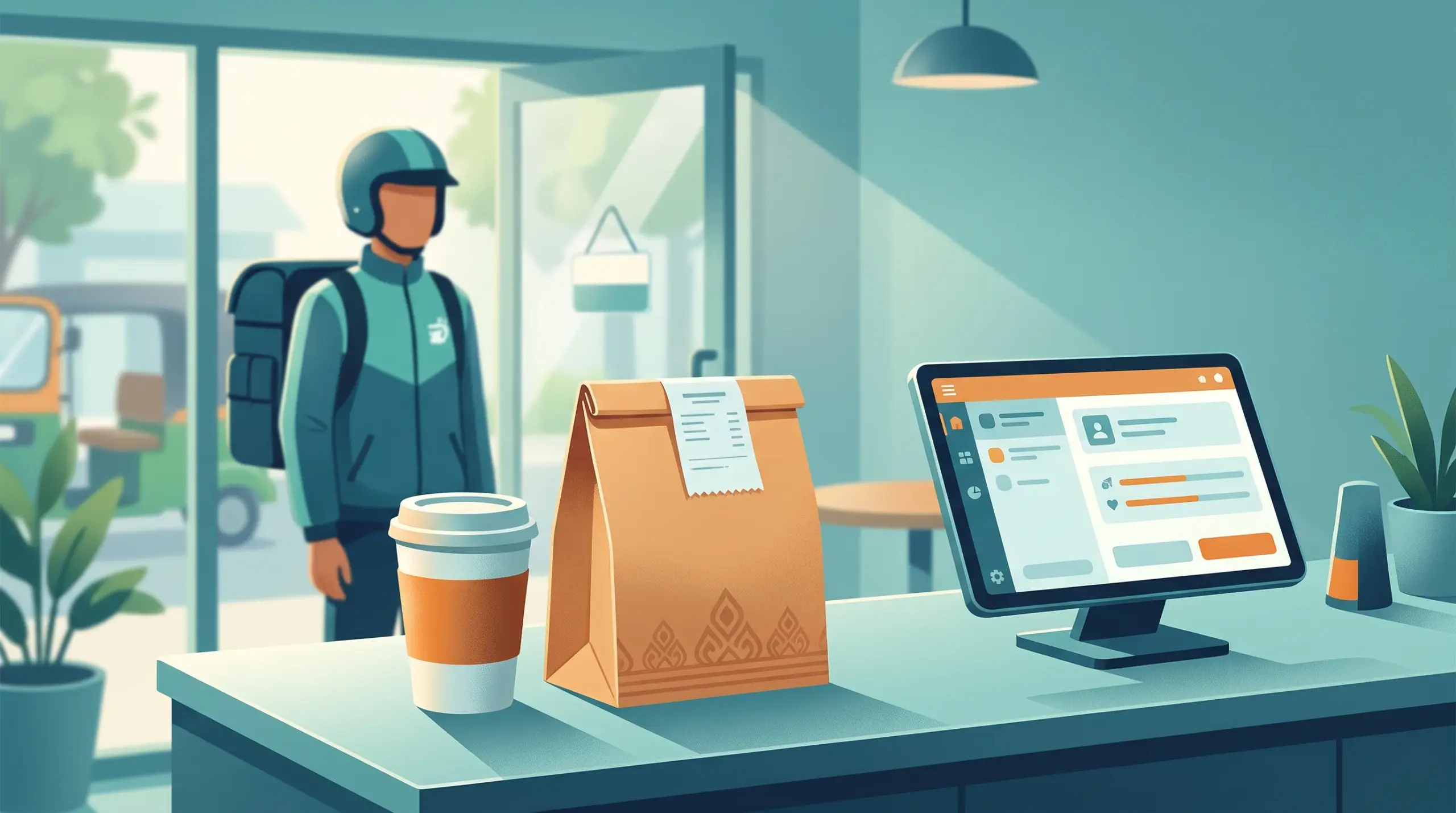
A café at lunchtime can have four kinds of customers at once: a table finishing their meal, someone waiting for a takeaway coffee, a delivery rider at the door and a customer on the phone. When all of them are mixed together on paper or in a chat, orders get lost, drinks go to the wrong person and money goes missing.
A takeaway and delivery orders POS setup keeps each type separate, so your team always knows what is being made, for whom and whether it has been paid.
Where takeaway and delivery go wrong
- Orders get mixed up. A takeaway cup ends up on a table, or a delivery bag gets the wrong items.
- Payment confusion. Nobody is sure whether an order was paid or is cash on delivery.
- Missing details. A special request or a delivery address is left out.
- Cash that disappears. A rider returns with cash, but it isn’t recorded.
- Slow kitchen. Orders arrive in a random way and the kitchen can’t plan.
How MyLekha helps
Mark the order type. MyLekha lets you mark orders as dine-in, takeout or delivery, so each is clearly separate from the start.
Clear tickets for the kitchen. MyLekha Kitchen turns orders into live, color-coded tickets the moment they are placed. See How KDK Coffee Runs 5 Branches With MyLekha.
Special requests. Use modifiers and item notes for requests like less sugar or no ice. See Custom Orders POS Cambodia.
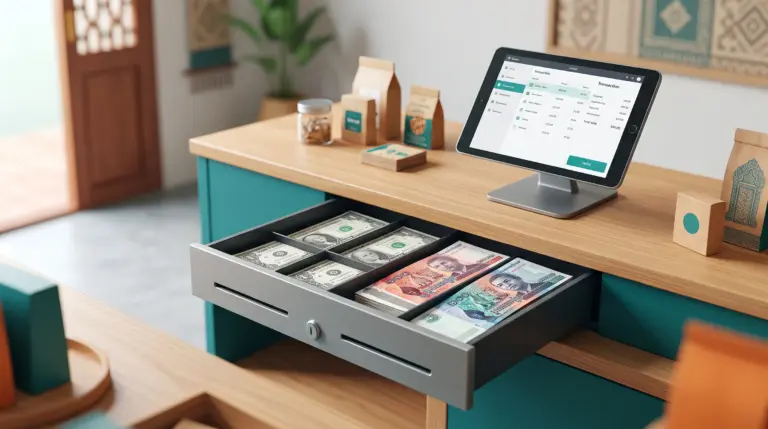
USD, riel and QR payments. Accept cash in USD or riel, and use KHQR or ABA PAY. Payment before dispatch means less cash to carry. See KHQR Payment POS Cambodia.
A record of who sold what. Each cashier has their own login, and each shift is tracked. See Shift and Cash Management.
A simple workflow
Takeaway
- The cashier marks the order as takeout.
- Special requests are recorded with the item.
- The customer pays, and the order goes to the kitchen.
- The cup or bag is checked against the receipt before handing over.
Delivery
- The cashier marks the order as delivery.
- Keep the customer’s name, phone and address in one consistent place, such as your order notes or the chat where the order came in.
- If possible, ask the customer to pay by KHQR before dispatch.
- If it’s cash on delivery, record it, and note who is carrying the cash.
- Check the items against the receipt before sealing the bag.
At the end of the day
- Match delivery cash with what riders hand back
- Check each order type’s sales
- Look for any unpaid or unclear orders. See Daily Closing Checklist POS.
Tips that make it work
- Check before sealing. A 10-second check prevents most wrong-order complaints.
- Label bags clearly with the customer name or order number.
- Prefer prepaid orders when possible, so cash handling is simpler.
- Keep one notes habit. Everyone records details the same way.
- Train your team. See New Cashier Training POS.
If you also sell online
Many cafés and shops take orders through Facebook or Telegram too. Record every one in your POS, so your sales and stock include them. See Online Seller POS Cambodia.
When a customer complains
A clear record makes it easier to settle a wrong-order complaint calmly. See Handle Customer Complaints in Cambodia.
Conclusion
Takeaway and delivery can grow your sales, but only if every order stays straight. Mark the order type, record details clearly, collect payment in a simple way and check before you seal the bag. Your team and your customers will both feel the difference.
Explore MyLekha POS features, see plans, or talk to our team about your café or restaurant.
FAQ
Can I separate dine-in, takeout and delivery orders?
Yes. MyLekha lets you mark orders as dine-in, takeout or delivery.
Does the kitchen see the orders right away?
MyLekha Kitchen turns orders into live, color-coded tickets.
Can customers pay with KHQR for a delivery order?
Yes. KHQR and ABA PAY payment popups are available at checkout.
Can I record special requests?
Yes. Use modifiers and notes on items.
Can I try this before paying?
Yes. The Starter plan is a free trial.