Barcode Scanner POS Cambodia: Faster Checkout, Fewer Pricing Mistakes
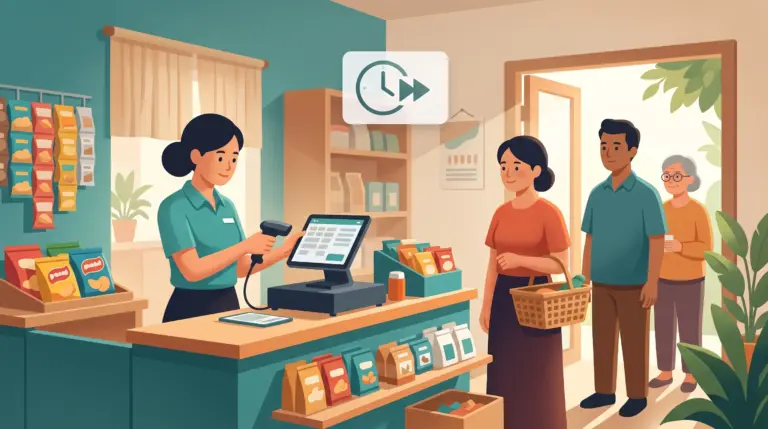
A customer sets ten items on the counter. The cashier types each price by hand, or scrolls through a product list looking for the right one, while the line behind them grows. One item gets the wrong price. Another gets rung up as the wrong size. None of it is anyone’s fault exactly — it’s just what happens when checkout depends on someone remembering the right price for every item on the shelf.
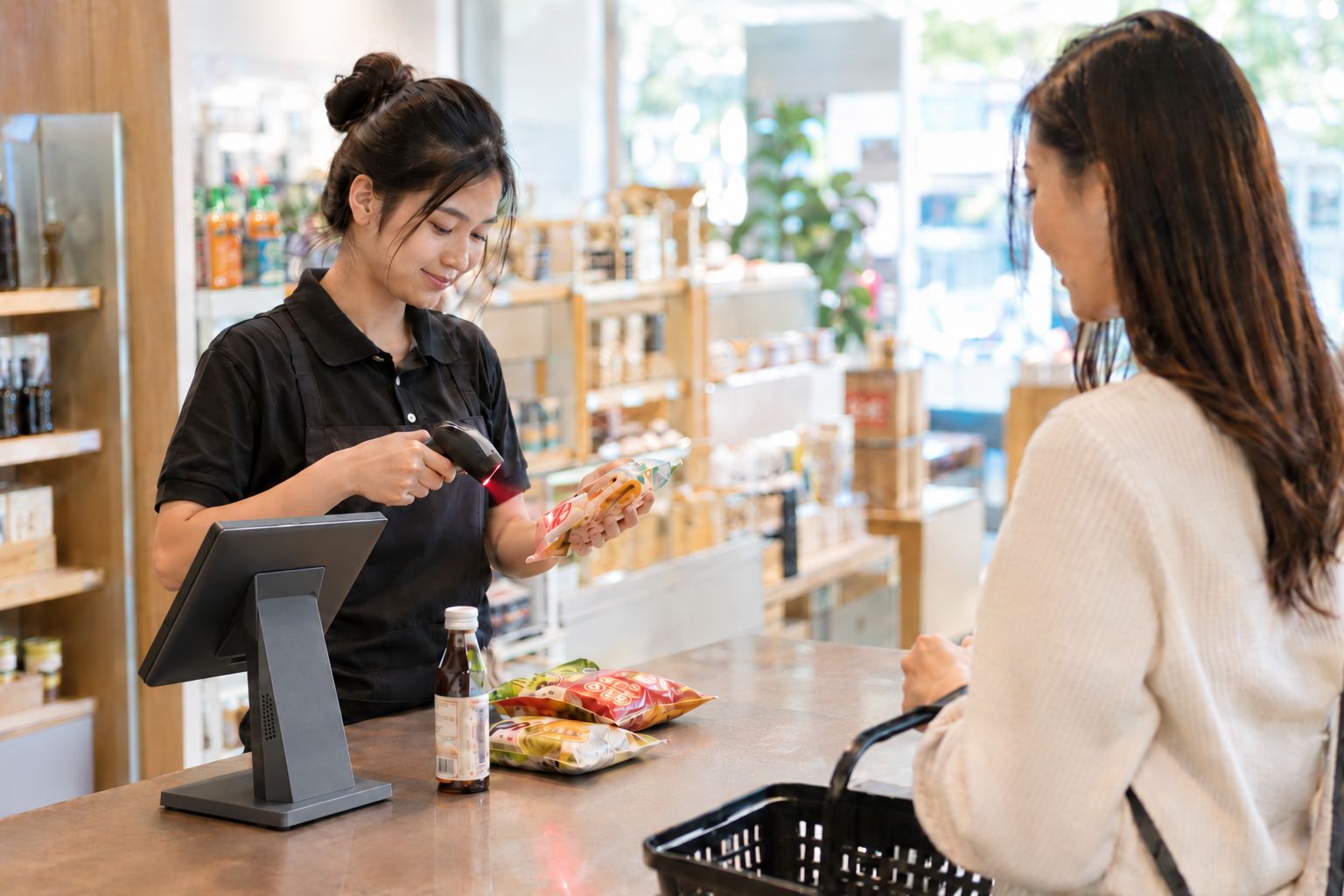
A barcode scanner POS Cambodia retailers can rely on removes that guesswork. Instead of typing or searching, staff scan the item, and the correct price and product come up automatically, every time.
Where Manual Checkout Slows Things Down
1. Typing prices by hand is slow and error-prone Every digit typed is a chance for a mistake, and every mistake either costs the business money or means an awkward correction in front of the customer.
2. Searching a product list takes time With a large inventory, scrolling or searching for the right item by name is slower than it should be, especially during a rush.
3. Similar items get mixed up Different sizes, colors, or flavors of the same product often look alike in a list. Without scanning, it’s easy to ring up the wrong variant.
4. Stock counts drift from what’s actually rung up If checkout isn’t tied directly to a specific item, inventory tracking depends on someone updating stock separately, which means it’s rarely perfectly accurate.
What Changes With Barcode Scanning
1. Scan instead of type or search Point a barcode scanner, or a phone or tablet’s built-in camera, at the item, and it’s added to the sale instantly, with the correct price already attached.
2. The right product and price, every time Because the scan pulls directly from the product catalogue, there’s no risk of a mistyped price or a mixed-up variant. What’s scanned is what’s charged.
3. Inventory updates automatically with every sale Each scanned item is subtracted from stock the moment it’s sold, so your inventory count reflects reality without a separate manual step.
4. No need for a dedicated handheld scanner to get started A phone or tablet’s built-in camera can scan barcodes directly, so a small shop can start scanning without buying separate hardware. A connected barcode scanner is also supported for higher-volume checkout.
5. Faster checkout during busy periods Scanning ten items takes a fraction of the time it takes to type or search for ten items, which matters most exactly when a line is forming.
Where This Matters Most
- Minimarts and convenience stores with hundreds of small, similar-looking items
- Pharmacies where the wrong item or price is a bigger problem than a slow line
- Clothing and shoe stores with many size and color variants of the same product
- Grocery and specialty retail with high transaction volume throughout the day
Quick Comparison
| Manual Entry | Barcode Scanning | |
|---|---|---|
| Adding an item to a sale | Typing or searching a list | Scan and it’s added |
| Price accuracy | Depends on staff memory | Pulled automatically from the catalogue |
| Similar variants (size/color) | Easy to mix up | Each barcode is specific |
| Inventory updates | Separate manual step | Automatic with every sale |
| Checkout speed | Slower, especially with many items | Fast, even during a rush |
| Extra hardware needed | None | Optional — phone camera works too |
Getting Started
Barcode scanning works with your existing product catalogue, so there’s no separate setup beyond making sure each item has a barcode on file. You can see how this fits with the rest of your POS on our features page, or check current plan details on the pricing page.
FAQ
Do I need to buy a barcode scanner to use this feature? No. A phone or tablet’s built-in camera can scan barcodes directly. A connected barcode scanner is also supported if you want faster scanning at a higher volume.
What if some of my products don’t have barcodes? Items without a barcode can still be added manually or searched by name, the same as before. Barcode scanning simply speeds things up for the items that do have one.
Does scanning update my stock count automatically? Yes. Each scanned sale updates inventory in real time, so your stock count reflects what’s actually been sold.
Is this only useful for large stores? No. Even a small shop benefits from faster checkout and fewer pricing mistakes, especially with items that look similar to each other.
Ready to Speed Up Your Checkout Line?
See how MyLekha’s barcode scanning pulls the right price and product every time, and keeps your stock count accurate automatically. Start your free 15-day trial today, no credit card required.