Print Receipt POS Cambodia: Why Paper Still Matters in a Digital System
Running a fully digital POS doesn’t mean paper disappears completely. A kitchen still needs a physical ticket to work from during a busy shift. A customer still expects, or sometimes needs, a printed receipt in hand at checkout. The problem isn’t whether paper is needed — it’s what happens when printing doesn’t work the way it should: a printer that disconnects mid-shift, a ticket that goes to the wrong station, or a receipt that holds up the whole line while someone fiddles with a cable.
Print receipt POS Cambodia businesses can rely on treats printing as part of the checkout and kitchen flow itself, not an extra step bolted on afterward.
Where Printing Usually Goes Wrong
1. The printer disconnects, and nobody notices right away A loose cable or a dropped Bluetooth connection can mean orders or receipts simply stop printing, often discovered only once a customer or the kitchen asks where theirs is.
2. Tickets go to the wrong place Without a system that knows which printer belongs to which station, an order meant for the kitchen can end up at the counter, or a receipt printer ends up handling order tickets it was never meant to.
3. Checkout stalls waiting on a receipt If printing a receipt is a separate, manual step, a jammed or disconnected printer can hold up the next customer in line.
4. Reconnecting takes staff away from the floor When a printer does drop, manually fixing the connection mid-shift takes a staff member’s attention away from actual service.
What Reliable Print Support Actually Looks Like
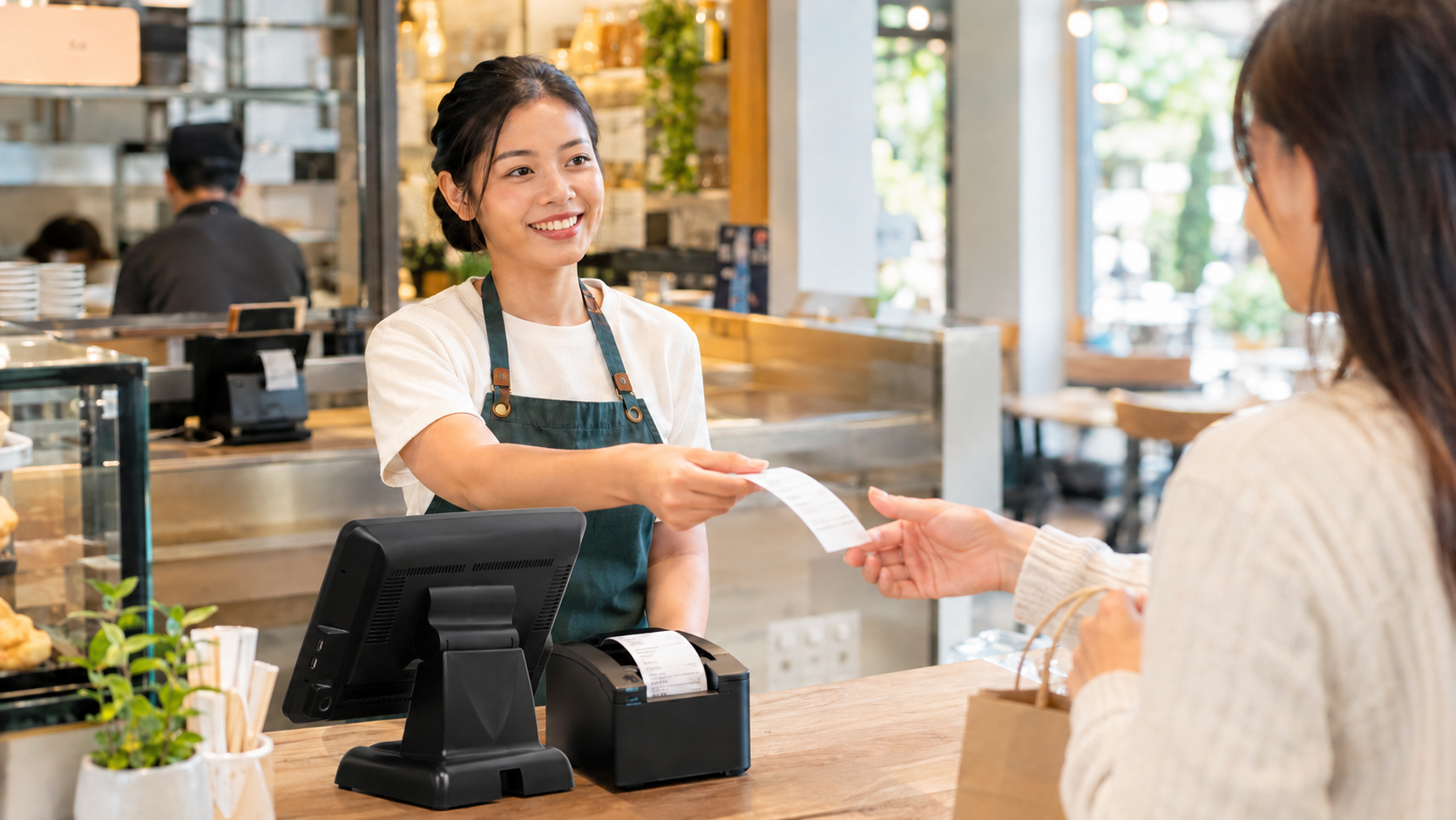
1. Customer receipts print automatically at checkout Once a sale is completed, the receipt prints as part of that same action, with no separate step for staff to remember.
2. Order tickets print to the right station A kitchen, bar, or prep area can have its own printer, so an order automatically prints where it’s actually needed, rather than everything going to one shared printer regardless of station.
3. Flexible connection options Printers connect over Bluetooth, USB, or Ethernet, so the setup fits whatever hardware and layout the business already has, rather than requiring one specific connection type.
4. Automatic reconnection if a printer drops If a printer loses connection during a shift, the system reconnects automatically once it’s back, rather than requiring a staff member to manually troubleshoot it in the middle of service.
Why Paper Still Has a Place
Even with every sale recorded digitally, paper still solves specific problems a screen doesn’t:
- A kitchen ticket a cook can glance at without needing a screen in front of them
- A receipt a customer can physically hold as proof of purchase
- A paper trail that doesn’t depend on anyone having a device or app open
Digital records and printed paper aren’t in competition here — the sale is recorded digitally either way, and printing is simply how that information reaches the people and moments that still need it on paper.
Where This Matters Most
- Restaurants and cafés that need kitchen or station tickets separate from customer receipts
- Retail stores where customers expect a printed receipt at checkout
- Any multi-station setup where different printers need to receive different information automatically
Quick Comparison
| Unreliable Manual Printing | Built-In Print Support | |
|---|---|---|
| Customer receipts | Separate step, easy to skip | Automatic at checkout |
| Order tickets | Risk of going to the wrong place | Routed to the correct station |
| Printer disconnects | Requires manual fixing | Reconnects automatically |
| Connection types | Often limited to one method | Bluetooth, USB, or Ethernet |
| Impact on checkout speed | Can stall the line | Doesn’t interrupt the flow |
Getting Started
Printer setup happens once per device, and after that, receipts and order tickets print automatically as part of your normal checkout flow. You can see how this fits with the rest of your POS on our features page, or check current plan details on the pricing page.
FAQ
Do I need a specific type of printer? Printers can connect over Bluetooth, USB, or Ethernet, so the right option depends on your setup and hardware.
What happens if my printer loses connection during a shift? It reconnects automatically once the connection is restored, without needing a staff member to manually fix it.
Can I send kitchen tickets to a different printer than customer receipts? Yes. Different stations can have their own printer, so orders are routed to the right place automatically.
Do I still need to print receipts if sales are already recorded digitally? That’s up to your business and your customers’ expectations. Every sale is recorded digitally either way, so printing is about giving the customer or kitchen a physical copy, not about keeping the record itself.
Ready for Printing That Just Works?
See how MyLekha handles customer receipts and station order tickets reliably, with automatic reconnection built in. Start your free 15-day trial today, no credit card required.