Mobile POS (mPOS): Why Sales Should Happen on the Floor, Not Just at the Counter
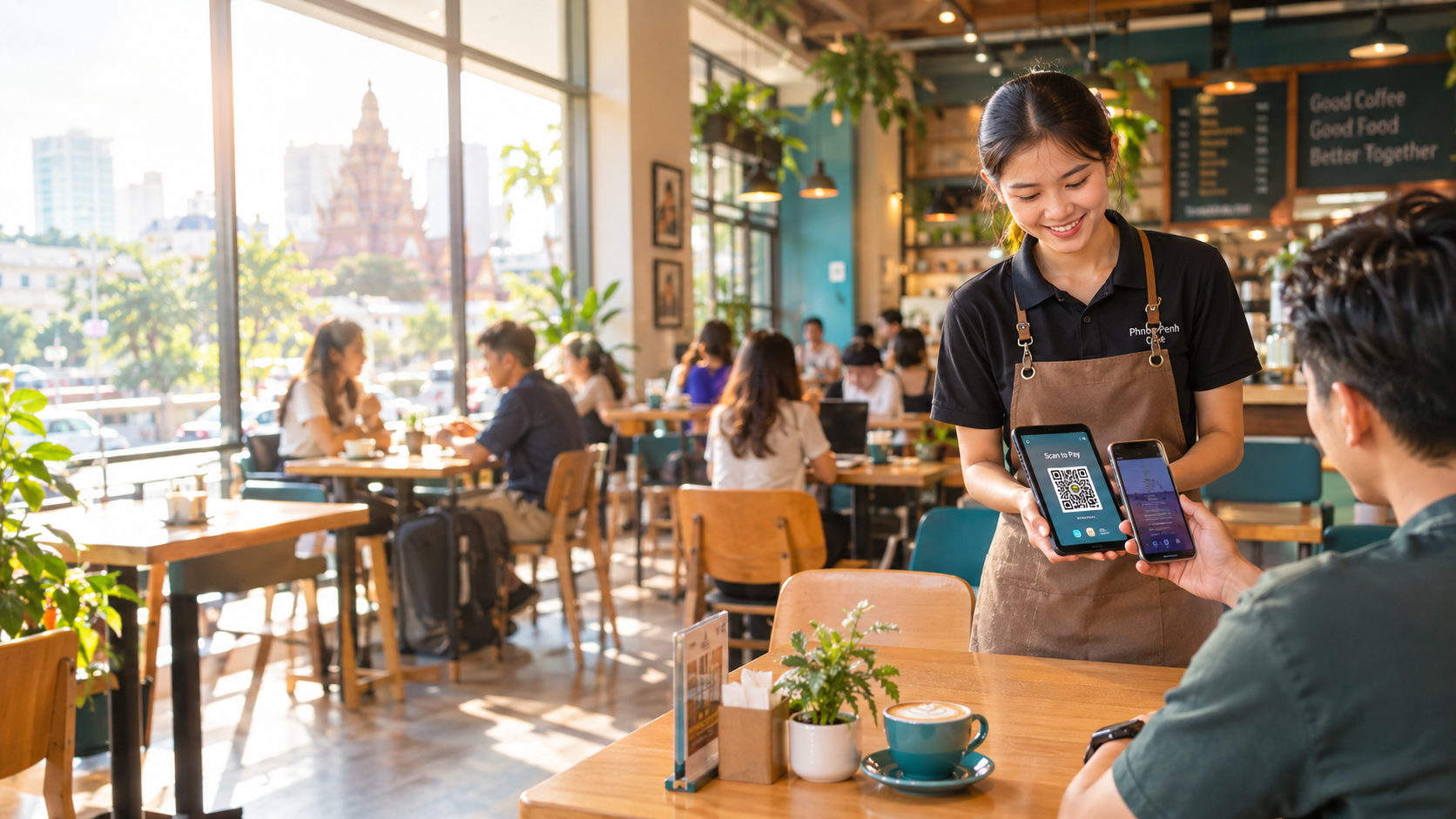
Mobile POS Cambodia is changing how businesses sell — instead of tying every transaction to one fixed counter, staff can now ring up sales anywhere in the store. Picture a busy Saturday afternoon in Phnom Penh. Your café is packed, three tables are ready to pay, and there’s one line forming at a single register. Every minute a customer waits to pay is a minute they could be ordering another coffee — or a minute they decide to just leave.
This is the exact problem mobile POS (mPOS) solves. Instead of tying every transaction to one fixed counter, mPOS puts a tablet or phone directly in your staff’s hands, so they can check out a customer wherever the customer happens to be — at the table, in the aisle, at the door.
What Is Mobile POS, Exactly?
A mobile POS system runs your full point-of-sale software — orders, payments, inventory, receipts — on a handheld device like a tablet or smartphone instead of a fixed terminal. With MyLekha’s Mobile POS set, staff carry the same product catalogue, pricing, and reporting they’d have at the front counter, just untethered from it.
Why It Matters for Cambodian Businesses
1. Faster checkout, shorter lines Instead of customers queuing at a single till, any staff member with a device can take payment on the spot. For restaurants and cafés, that means settling the bill tableside the moment a guest asks — no waiting for a server to walk back and forth.
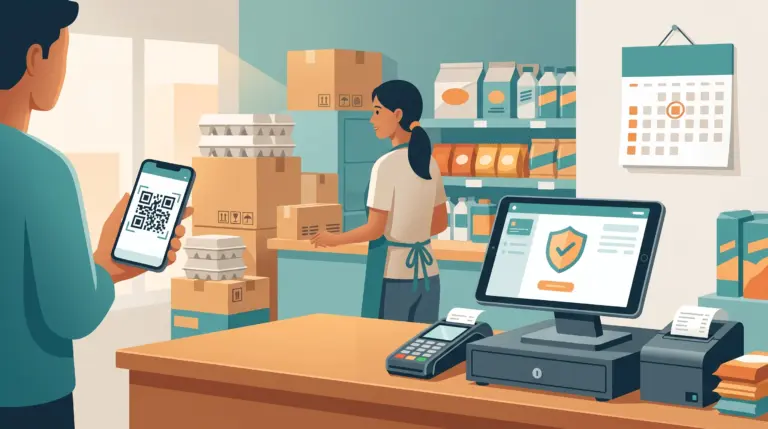
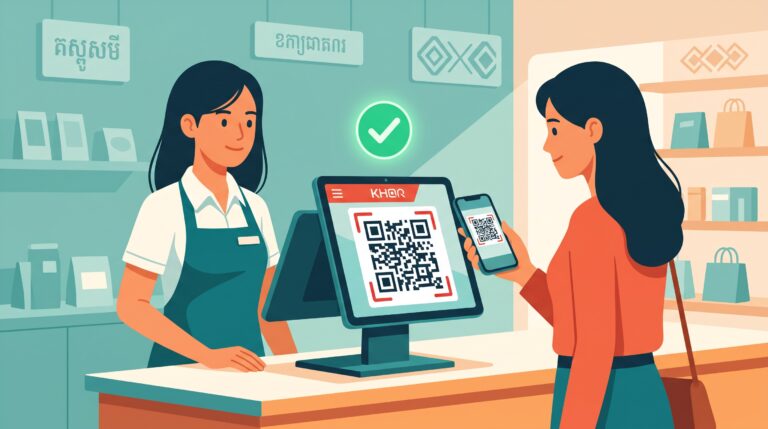
2. Built for how Cambodians actually pay Cambodia has moved fast toward QR payments. With mPOS, your staff can bring up a KHQR or ABA PayWay code right at the customer’s seat, so they can scan and pay in seconds without ever touching a physical register. That single change — checkout coming to the customer instead of the other way around — is often the biggest visible upgrade a business can make.
3. More floor time, less counter time In retail, mobile POS means staff can answer a product question and complete the sale in the same spot, instead of walking a customer back to a register and hoping they don’t change their mind on the way. For salons and service businesses, it means checking a client out right at the styling chair or treatment room.
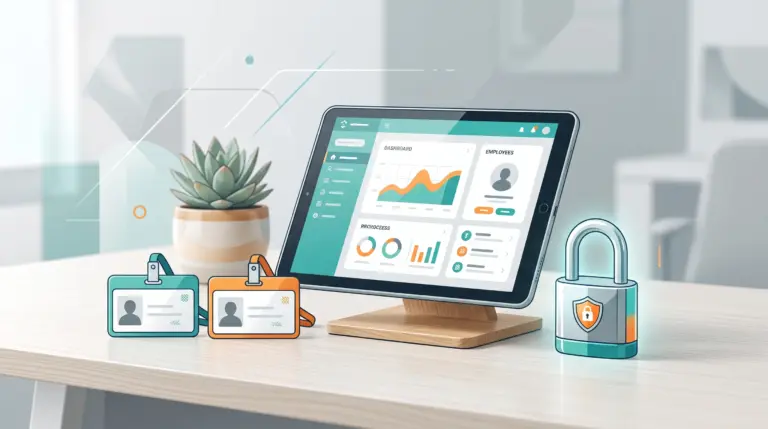
4. Real-time stock and sales visibility Every sale made on a mobile device updates your inventory and reports instantly — no need to wait until end of day to reconcile what happened at a second register. Owners can check sales from home, exactly as MyLekha customers like Wabi-Sabi Kafe already do with their POS dashboard.
5. Lower upfront cost than adding another counter Adding a second fixed till means more hardware, more cabling, more space. A mobile POS set is a fraction of that cost and can be added to your team as you grow — MyLekha’s Mobile POS set starts at $199 per set, with a full year of software included.
Where Mobile POS Makes the Biggest Difference
- Restaurants & cafés — settle bills tableside, speed up turnover during peak hours
- Retail stores — check out customers on the floor, especially during sales or busy weekends
- Health & beauty — take payment right where the service happens
- Pop-ups & events — no fixed counter needed at all, just a device and a connection
Getting Started
This is why mobile POS Cambodia adoption is growing fast among F&B and retail businesses. Moving to mobile POS doesn’t mean replacing your whole setup — most businesses run one fixed counter alongside one or two mobile devices for peak hours or table service. MyLekha’s Mobile POS set comes with the hardware and a full year of software already included, so your team can be checking out customers on the floor within a day of setup.
FAQ
Does mobile POS work if the internet goes down? Yes — MyLekha’s system keeps working offline and automatically syncs your sales and inventory once the connection is back, so a spotty connection in busier provincial areas won’t stop you from taking payment.
Can staff take QR payments on a mobile device? Yes. Staff can bring up KHQR and ABA PayWay directly on the device screen for the customer to scan, right at the table or counter.
Do I need new hardware for every staff member? No — most businesses equip one or two staff with mobile devices during peak hours, while keeping a fixed counter for the rest of the day.
Is mobile POS secure? Yes. Every transaction is processed and stored the same way as a counter sale, with the same reporting and permissions controls as the rest of your MyLekha account.
Ready to Get Staff Selling on the Floor?
See how a MyLekha Mobile POS set can speed up checkout for your business — start your free 15-day trial today, no credit card required.