KHQR and ABA Payments on a POS in Cambodia: Checkout Without the Manual QR Code
Walk into most shops in Phnom Penh today and you’ll see a printed QR code taped near the register, or a cashier holding up a phone for the customer to scan. It works, but it’s an extra step: the cashier has to calculate the total separately, generate or find the right QR code, and then confirm the payment landed before handing over the receipt. During a rush, that extra step adds up.
MyLekha POS triggers KHQR and ABA PAY payment popups directly from the checkout screen, so the total, the QR code and the confirmation all happen in one connected step instead of three separate ones.
Why manual QR payments slow things down
- Disconnected from the sale. A static printed QR code doesn’t know the total, so the customer or cashier has to enter the amount separately, which opens the door to mistakes.
- No automatic confirmation. Without integration, the cashier has to manually check a banking app to confirm payment arrived before completing the sale.
- Extra steps during busy hours. Calculating the total, finding the QR code and confirming payment all take time that adds up across dozens of transactions a day.
- Harder to reconcile at closing. Cash and digital payments recorded separately make it harder to match the day’s total sales against what actually came in.
How MyLekha handles it
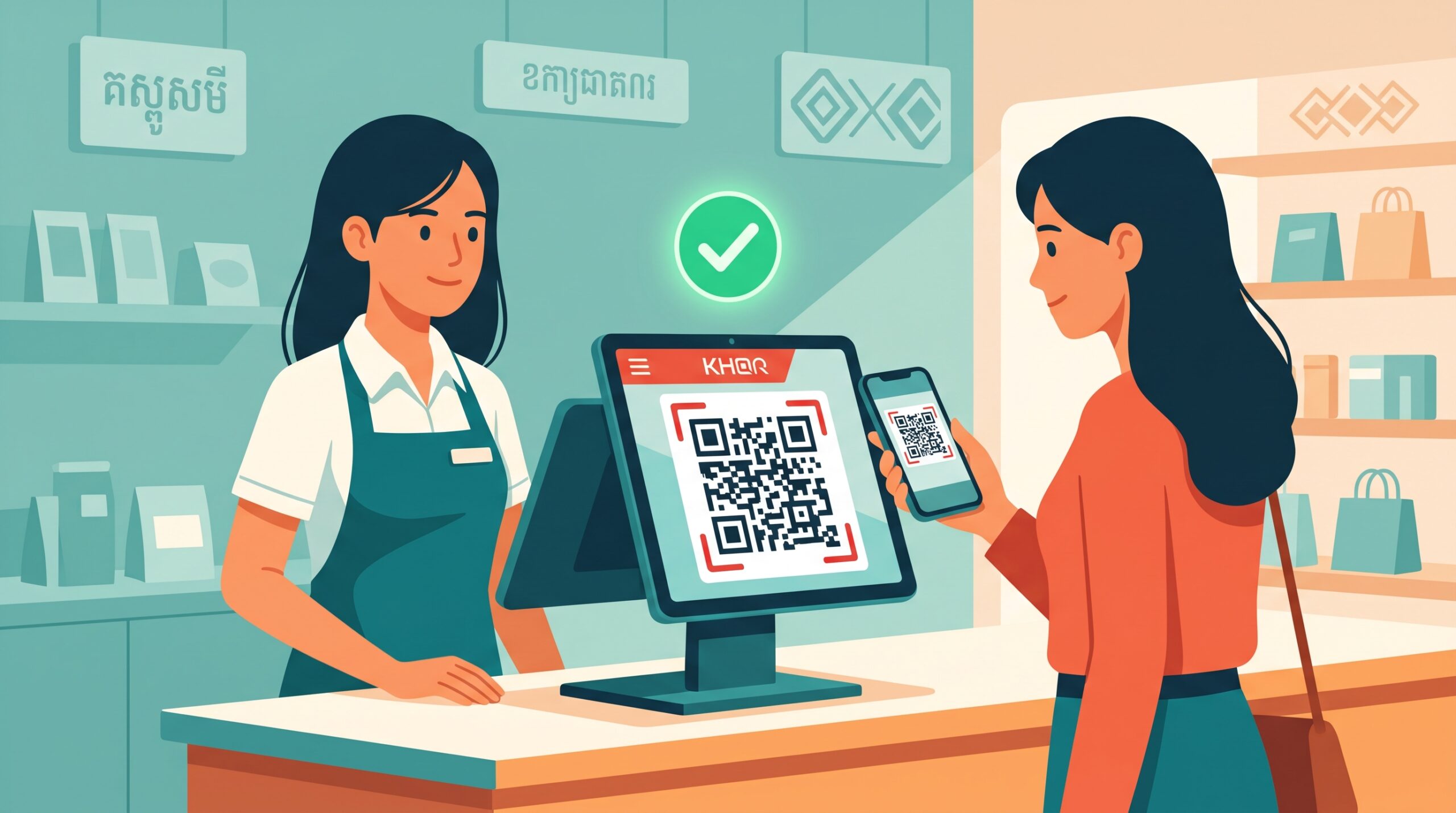
On-screen KHQR and ABA popups. When a sale is ready for payment, MyLekha POS can bring up a KHQR or ABA PAY popup directly on screen, already matched to the sale total, so there’s no separate step to generate or calculate it.
Pairs naturally with the customer display. Since the MyLekha customer display shows live order details and can surface the same KHQR and ABA payment popups, the customer can scan and pay from their side of the counter without the cashier handing over a device.
One record for cash and digital payments. Because digital payments are processed through the same POS as cash sales, reconciling the day’s total doesn’t mean checking two separate systems.
What this looks like at checkout
- The cashier finishes scanning items and the total is calculated as usual.
- For a digital payment, the cashier (or the customer, via the customer display) brings up the KHQR or ABA PAY popup, already set to the correct amount.
- The customer scans and pays from their banking app.
- The sale is recorded in MyLekha alongside every other transaction, cash or digital, in one place.
Why this matters for Cambodian businesses
- Faster checkout, since the amount doesn’t need to be typed in twice
- Fewer mistakes, because the payment popup is tied directly to the sale total
- Cleaner reconciliation, with cash and digital payments recorded in the same system
- A more modern checkout experience, especially for younger, cashless-leaning customers
This fits naturally with the MyLekha customer display and works well for cafés and counter-service businesses where speed at the register matters most.
Conclusion
Cashless payments shouldn’t mean extra steps. With KHQR and ABA PAY built into the checkout flow, MyLekha POS keeps digital payments as fast and connected as a cash sale.
Explore MyLekha POS features, check pricing, or talk to our team to see KHQR and ABA payments in action.
FAQ
Does MyLekha POS support KHQR payments?
Yes, MyLekha POS can generate KHQR payment popups directly at checkout.
Can customers pay with ABA PAY too?
Yes, ABA PAY popups are also supported at checkout.
Does the payment amount update automatically with the sale total?
Yes, the popup is tied to the sale, so the amount doesn’t need to be entered separately.
Is payment confirmation automatic?
Yes
Can customers pay directly from the customer display screen?
Yes, the MyLekha customer display can surface the same KHQR and ABA payment popups.