Table Management POS Cambodia: Knowing What’s Happening at Every Table
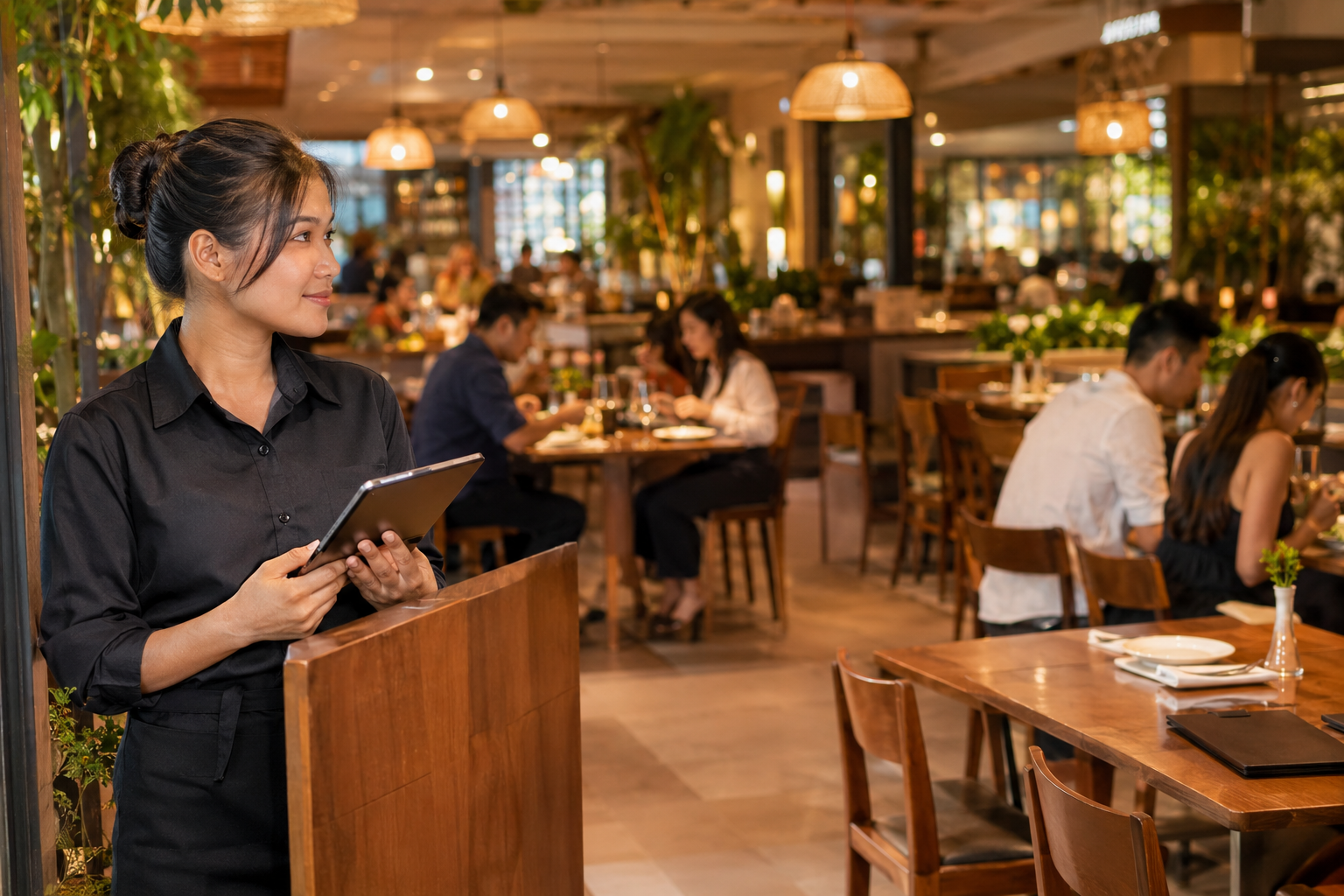
A server seats a new group at a table that isn’t actually clean yet. Another table has been asking for the bill for ten minutes, but nobody’s noticed. A group of six wants to split into two separate checks, and now someone is doing the math by hand while the next order waits. None of this is unusual in a busy restaurant — it’s what happens when the only record of what’s happening in the dining room is in someone’s head.
Table management POS Cambodia restaurants can rely on gives every table a clear status, so the floor runs on what the system shows, not on which server remembers what.
Where Dining Rooms Lose Track
1. Table status lives in someone’s memory Whether a table is free, seated, ordered, or waiting to pay is usually known only by whichever server last checked on it — and that information doesn’t travel with a shift change.
2. Splitting or merging bills means doing math by hand A group that wants separate checks, or two tables that get pushed together, often means manually reworking a bill line by line while everyone waits.
3. Orders and tables get disconnected Without a clear link between a table and its order, it’s easy to lose track of what a specific table actually ordered, especially once a kitchen ticket has already gone out.
4. The dining room and the kitchen aren’t always in sync A table’s status on the floor and the status of its order in the kitchen can tell two different stories, especially during a rush.
What Changes With Table Management
1. See every table’s status at a glance A visual floor layout shows which tables are free, seated, have an order in progress, or are ready to pay — so any staff member can check status without walking the floor.
2. Orders stay tied to the table Every item ordered is linked to its table, so there’s a clear record of what was ordered, when, and what’s still outstanding.
3. Split or merge bills without manual math A group’s bill can be split by item, by seat, or evenly, and tables can be merged for a larger party, without a server manually redoing the total by hand.
4. Table status connects straight to the kitchen Because orders are tied to tables, this connects naturally with a kitchen display system, keeping the front of house and the kitchen working from the same information instead of two separate pictures of the night.
5. Faster turnover during busy hours Knowing which tables are actually free, rather than guessing, means new guests get seated faster and empty tables don’t sit unnoticed during a rush.
Where This Matters Most
- Full-service restaurants with multiple servers covering different sections
- Cafés with table service during busy hours, not just counter orders
- Bars and restaurants with large groups that often want split or merged bills
- Any dining room where table turnover during peak hours affects how many guests can be served
Quick Comparison
| No Table Management | Table Management | |
|---|---|---|
| Table status | Known only by memory | Visible at a glance for any staff member |
| Splitting a bill | Manual math | Split by item, seat, or evenly |
| Merging tables | Reworked by hand | Combined in the system |
| Orders and tables | Can get disconnected | Always linked |
| Kitchen sync | Two separate pictures | Connected through the same order |
| Table turnover | Depends on staff noticing | Faster, based on real status |
Getting Started
Table management fits into your existing checkout flow, so servers use the same system they already know for taking orders and payment. You can see how this fits with the rest of your POS on our features page, or check current plan details on the pricing page.
FAQ
Can I see which tables are free without walking the floor? Yes. A visual layout shows the status of every table, so any staff member can check at a glance.
How does splitting a bill work for a large group? Bills can be split by item, by seat, or evenly across the group, without manually recalculating the total.
Can I combine two tables for a bigger party? Yes, tables can be merged in the system so the order and bill are handled together.
Does this work with a kitchen display system? Yes. Because orders are linked to tables, table management connects naturally with a kitchen display, keeping the dining room and kitchen in sync.
Ready to Know What’s Happening at Every Table?
See how MyLekha’s table management keeps your dining room organized, from seating to split bills. Start your free 15-day trial today, no credit card required.
អត្ថបទដែលពាក់ព័ន្ធ
- Tablet vs Phone vs Desktop POS in Cambodia៖ តើឧបករណ៍មួយណាស័ក្តិសមនឹងអាជីវកម្មរបស់អ្នក?
- ប្រព័ន្ធ POS ម៉ាតនៅកម្ពុជា៖ របៀបគ្រប់គ្រងហាងដ៏មមាញឹកដោយមិនមានភាពស្មុគស្មាញ
- ប្រព័ន្ធ POS ហាងសាឡននៅកម្ពុជា៖ ការគិតប្រាក់ងាយស្រួល កំណត់ត្រាបុគ្គលិកច្បាស់លាស់ ប្រាក់កម្រៃជើងសារត្រឹមត្រូវ
- Boutique POS Cambodia៖ គ្រប់គ្រងទំហំ ពណ៌ និងការគិតប្រាក់ឱ្យមានភាពងាយស្រួល