Tablet vs Phone vs Desktop POS in Cambodia: Which Device Suits Your Business?
Tablet vs phone vs desktop POS in Cambodia is a question almost every new owner asks, and the honest answer is that there isn't one best device. The right choice depends on where you sell, how many customers you serve at once, and how you work. A market stall owner and a busy restaurant need very different things from the same software.
The good news is that you don't have to guess forever. MyLekha runs on iOS, Android, and Windows, so you can start with a device you already own and change later. This guide helps you choose.
The Three Options at a Glance
1. Phone
Small, always with you, and already in your pocket. A phone is the cheapest way to start, and it moves with you.
2. Tablet
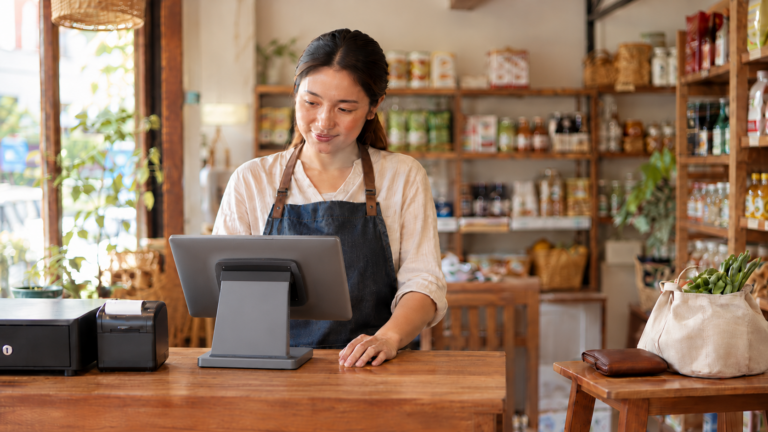
A bigger screen than a phone, still portable, and easy to put on a counter or carry to a table. It's the most common choice for shops and cafés.
3. Desktop or computer
A large screen, a keyboard, and a fixed place on the counter. It's built for steady, high-volume selling.
What to Think About
1. Where you sell
A fixed counter, a table, a stall, or a pop-up each suit a different device.
2. How many customers at once
A quiet shop can use a phone. A busy counter with a queue needs a bigger screen and faster handling.
3. Who uses it
If several staff take turns, a bigger screen is easier to share. If you work alone, a phone is often enough.
4. What you connect to it
A receipt printer, a barcode scanner, and a cash drawer can all connect to the system. MyLekha supports connecting a receipt printer, a barcode scanner, and a cash drawer, and printers can connect by Bluetooth, Ethernet, or USB. Check that your device can connect to the hardware you want.
5. Your budget
You may already own a phone or tablet. Starting with it costs far less than buying new equipment.
Which Device for Which Business
A market stall, a street food seller, or a pop-up
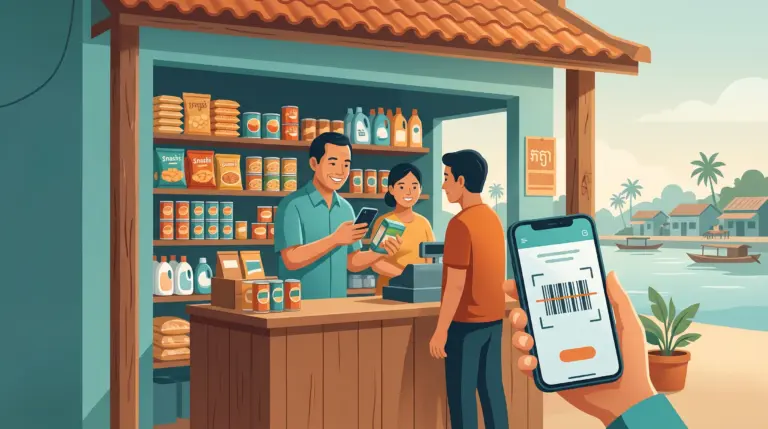
Best: phone or small tablet. You have no fixed counter, so you need something that moves with you. A phone can take orders, accept KHQR payments, and record sales while you stand.
A small shop or minimart with one counter
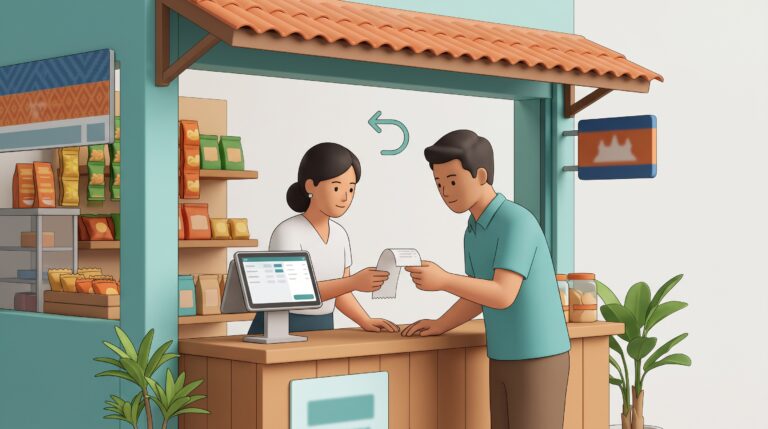
Best: tablet or desktop. A tablet on the counter with a scanner and a receipt printer is enough for most small shops. A desktop suits a shop that is busy all day and wants a larger screen.
A café or coffee shop
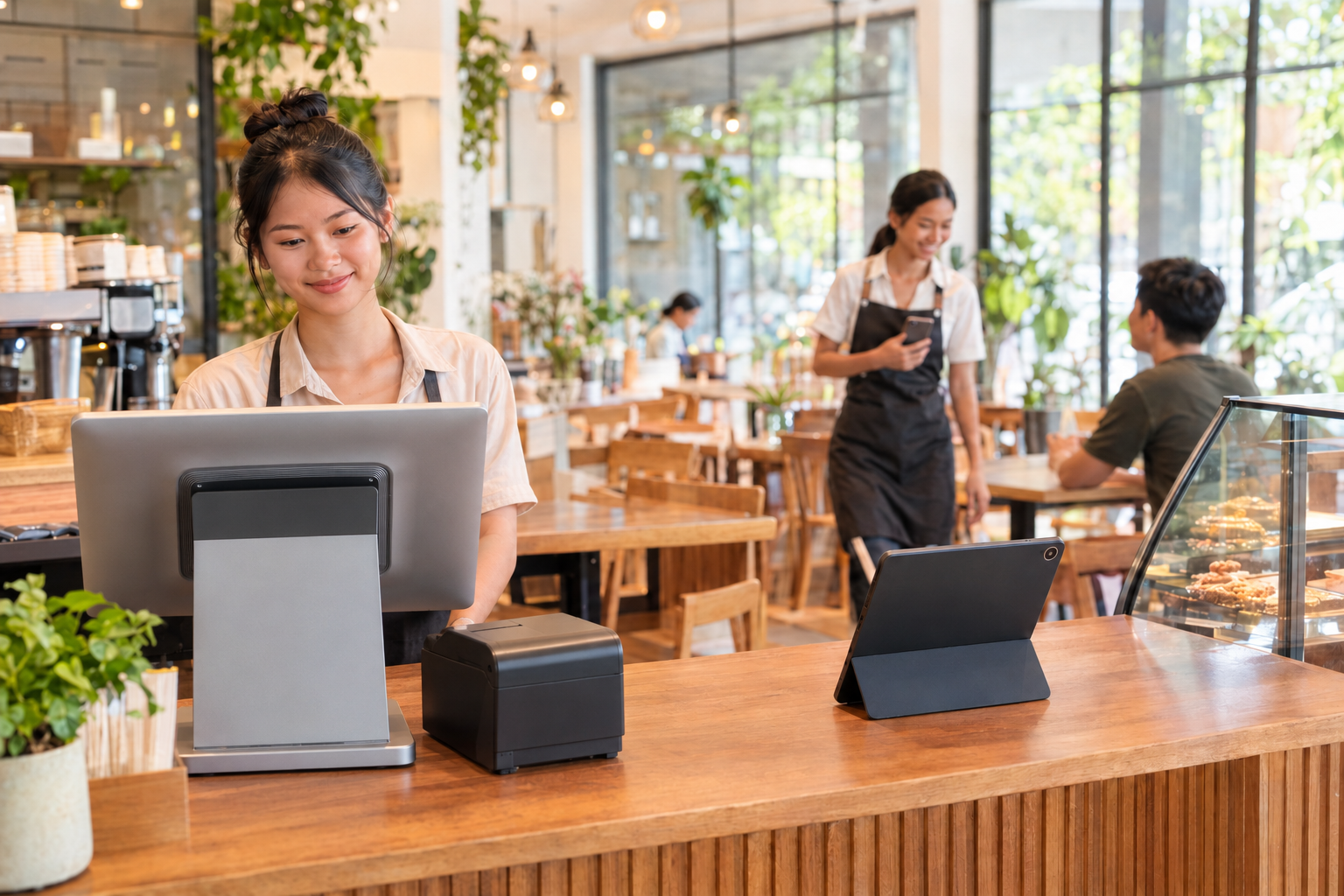
Best: tablet at the counter, plus a phone or tablet for the floor. A tablet handles the main counter, and a mobile device lets staff take payment at the table or at the door during rush hours.
A busy restaurant
Best: a mix. A tablet or desktop at the main counter, mobile devices for staff taking orders and payments at tables, and a kitchen screen or printer for orders. Our post on kitchen display systems shows how the kitchen side works.
A salon or beauty business
Best: tablet, plus a phone for the chair. A tablet at the front desk, and a mobile device so staff can take payment where the service happens.
A boutique or retail store
Best: tablet or desktop at the counter, plus a mobile device for the floor. Staff can check out customers on the shop floor when the counter is busy.
An owner who just wants to check the numbers
Best: your own phone. The MyLekha Dashboard works on iOS, Android, and the web, so you can see sales from anywhere without using the POS device itself.
Quick Comparison
Phone
Tablet
Desktop
Screen size
Small
Medium
Large
Portability
Easy to carry
Easy to carry
Fixed in place
Best for
Stalls, owners on the go
Counters and tables
Busy fixed counters
Typing and browsing
Slower
Medium
Fastest
Starting cost
Lowest, you may already own one
Low to medium
Medium to high
Works with printer, scanner, drawer
Check compatibility
Check compatibility
Check compatibility
A Simple Way to Decide
- Do you have a fixed counter? If not, start with a phone or tablet.
- Is there often a queue? If yes, choose a tablet or desktop with a larger screen.
- Do you need to serve customers away from the counter? If yes, add a phone or tablet for staff.
- Do you already own a phone or tablet? If yes, try it first in your free trial.
Start Small, Add Later
You don't have to buy everything now. Many businesses start with one device and add more as they grow, such as a second device for peak hours. Our post on mobile POS explains how businesses run one fixed counter next to one or two mobile devices.
The easiest way to find out what works is to try it. Our guide to testing a POS during a free trial gives a simple 15-day plan.
Getting Started
Install the MyLekha app on a device you already own, add your products, and try a few sales. You can see what the system includes on our features page, or check current plans on the pricing page.
Related Reading
FAQ
Can I use MyLekha on my phone?
Yes. MyLekha runs on iOS and Android, so you can use a phone or tablet.
Is there a version for a computer?
There is a Windows app. Check which version suits your device.
Can I connect a receipt printer and a barcode scanner?
Yes. MyLekha supports connecting a receipt printer, a barcode scanner, and a cash drawer, and printers can connect by Bluetooth, Ethernet, or USB.
Can I use more than one device?
Yes. Many businesses use a fixed counter device alongside one or two mobile devices.
Can I check my sales without using the POS device?
Yes. The MyLekha Dashboard works on iOS, Android, and the web.
Ready to Try It on Your Own Device?
Start your free 15-day MyLekha trial on the device you already own. No credit card required.
Start Free 15-Day Trial →