

Import Your Product List Into a POS in Cambodia: Don’t Type Hundreds of Items by Hand
For many owners, the biggest reason they delay switching to a POS isn’t the cost or the learning curve. It’s the thought of typing every product in by hand. A shop with 300 items imagines days of data entry, so the old notebook or spreadsheet stays in use for another year. (Official standards supported by National Bank of Cambodia (NBC))
Table of Contents
It doesn’t have to be that way. The MyLekha Dashboard supports importing items from a template, so you can prepare your list in one go and bring it into the system, instead of adding products one by one.
Why people put off the switch: Import Products To Pos
- “I have too many products.” Entering hundreds of items individually feels like a project in itself.
- “My list is in a notebook.” Paper records feel impossible to move.
- “I’ll lose track halfway.” A long manual entry session invites typing mistakes.
- “I can’t close the shop to do it.” Setup must fit around real trading hours.
How MyLekha handles it
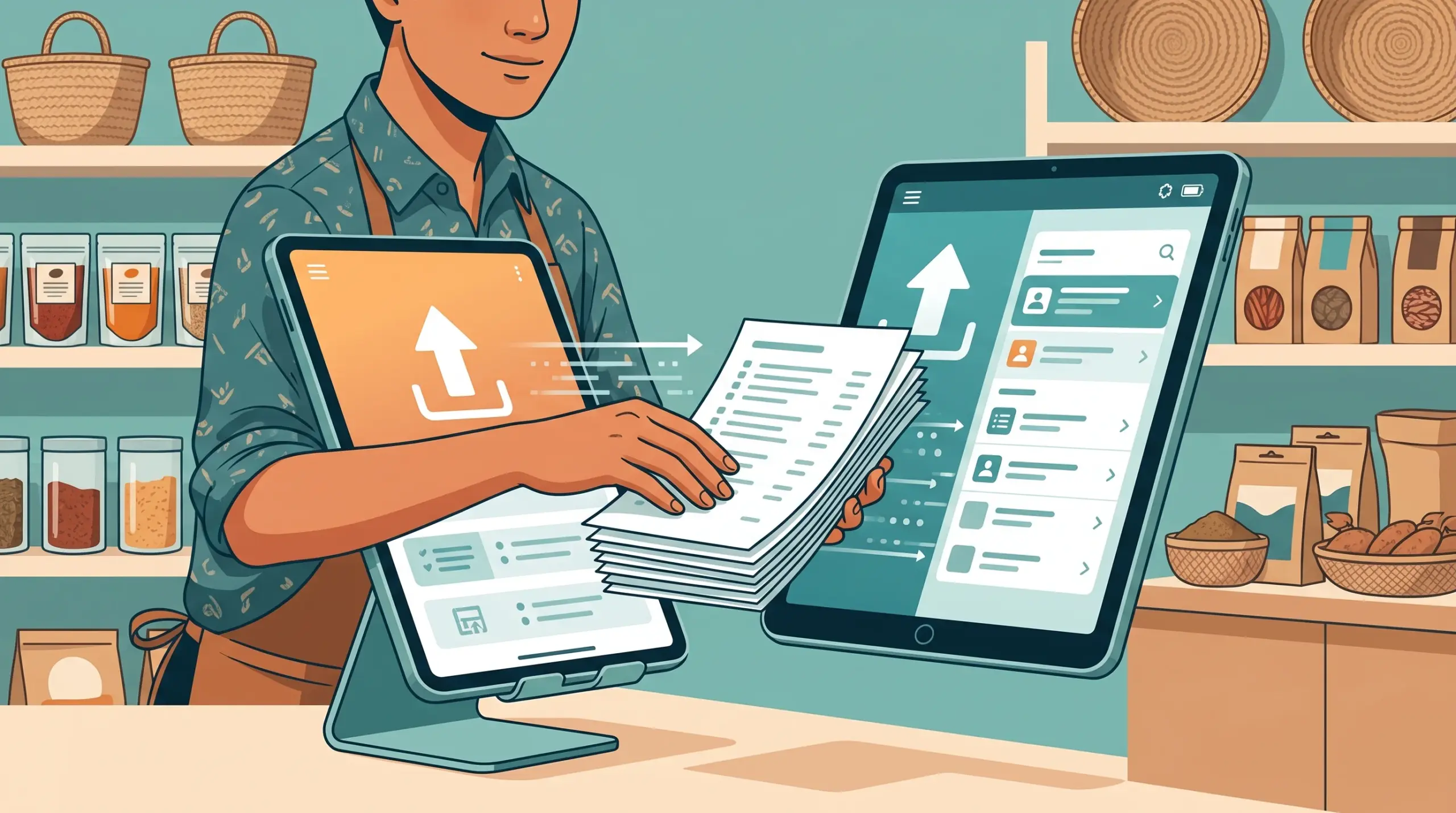
An import template. In the MyLekha Dashboard you can download an export template and use it to import items. You fill in your product details in one place, then import them together.
Batch updates. After import, the Dashboard also supports batch updating items, which is useful when you need to change many prices or details at once, such as before a promotion.
Scan to finish the job. MyLekha can scan barcodes using your phone or tablet camera, so you can check items quickly after import.
Try before you commit. The free Starter plan lets you test with real products before paying. See the free trial checklist.
A simple step-by-step plan
- Start with your best-sellers. Move the 20 to 30 items that make most of your sales first, so you can start selling sooner.
- Download the template. Open the Dashboard and get the import template.
- Fill it in. Copy names, prices and details from your notebook or spreadsheet into the template. Keep names consistent, for example the same style for brands and categories.
- Import and review. Bring the file in and look through the items for obvious mistakes.
- Spot-check at the counter. Scan or search a handful of items and make sure the prices are right.
- Add the rest in batches. Import your remaining products in later rounds, once your team feels confident.
- Fix many items at once. Use batch update for price changes, rather than editing each item.
Tips for a clean import
- Use clear, consistent names. It helps with filtering by brand and category.
- Plan your options first. If items come in colors or other options, decide how to group them before you import. See Selling Items With Variants.
- Count your stock after import. Run an inventory count so system numbers match your shelves. See Inventory Management on a POS.
- Do it outside trading hours if you can, or while a quiet shift is on.
Why this matters
- Days of typing become hours, which removes the biggest barrier to switching
- Fewer typing mistakes than entering items one by one
- Easy price changes later, thanks to batch updates
- A faster start, since you can begin with your best-sellers and add the rest gradually
For what happens next, read Setting Up a POS in Cambodia: What Actually Happens in Your First Week.
Conclusion
Moving to a POS shouldn’t mean retyping your entire shop. With an import template and batch updates, you can bring your product list into MyLekha quickly, then spend your time on what matters: selling.
Join for free, see plans, or talk to our team for help moving your products over.
FAQ
Can I import many products at once? Yes. The MyLekha Dashboard provides an import template for adding items together.
Can I change many prices at once later? Yes. The Dashboard supports batch updating items.
Do I need to enter everything before I can start selling? No. Start with your best-sellers and add the rest gradually.
Can I check my items after importing? Yes. You can search items or scan barcodes with your phone or tablet camera, and run an inventory count.
Can I test this before paying? Yes. The Starter plan is a free trial.