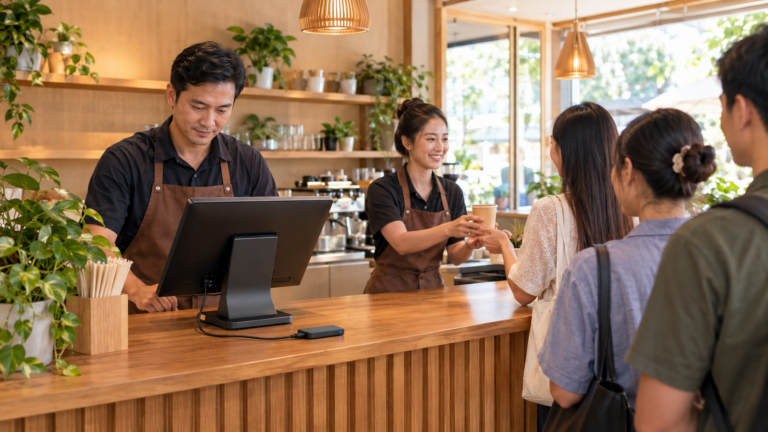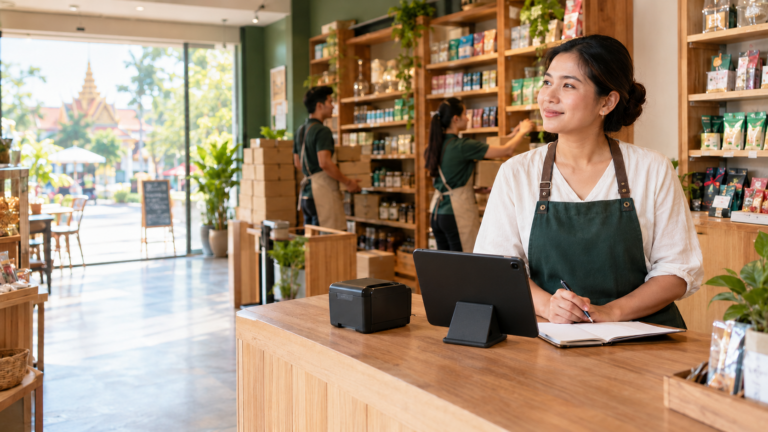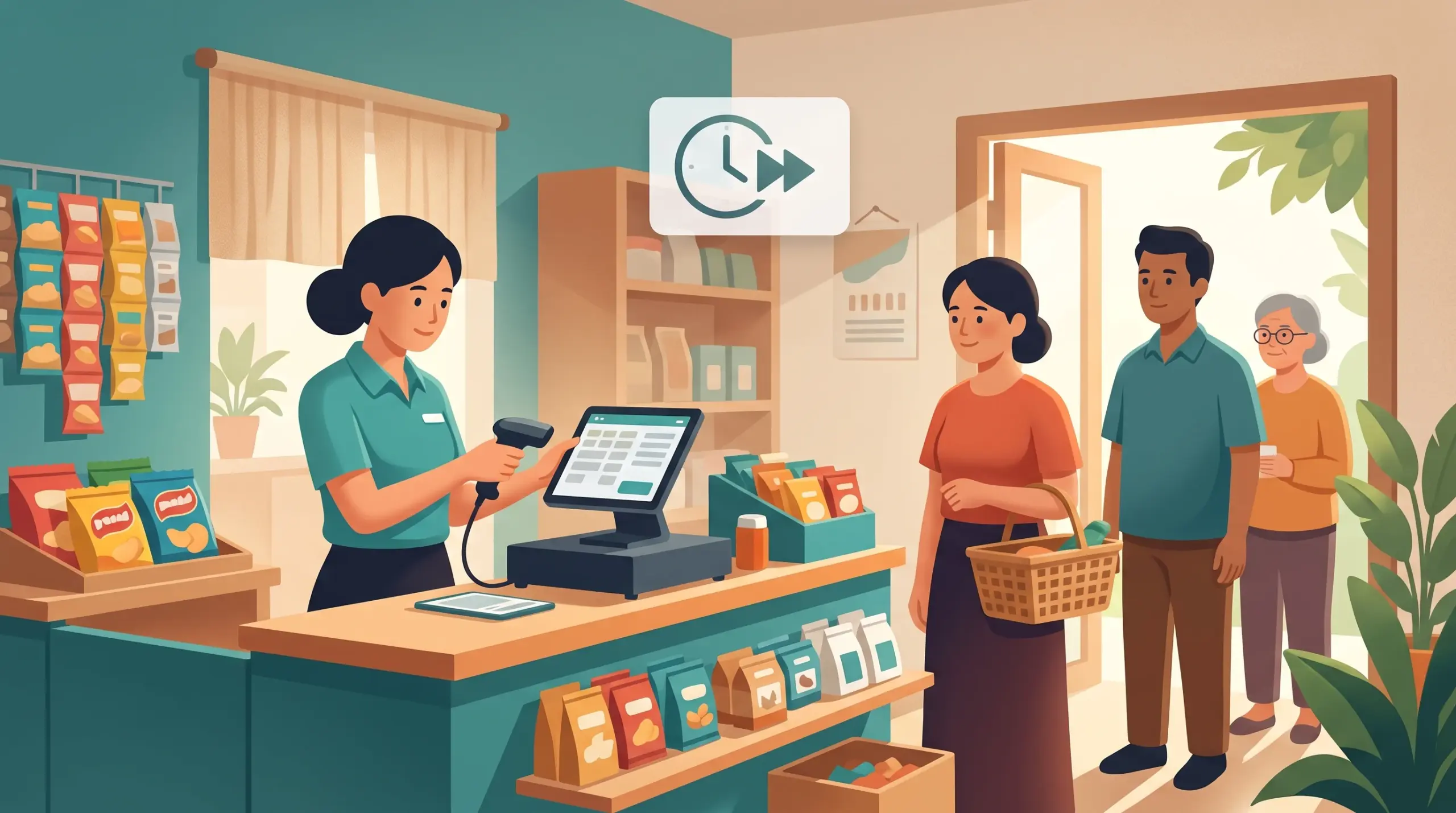
Faster Checkout POS Cambodia: 8 Ways to Cut Your Queues
A long line is the quiet enemy of every shop. Customers who wait too long leave without buying, or they leave and don’t come back. You don’t need a bigger shop to fix it. Most queues come from small delays that add up: searching for an item, working out change, waiting for a payment to go through.
Here are eight ways a faster checkout POS Cambodia shops can use to cut those delays, using features MyLekha already has.
1. Scan instead of typing
Typing a product name takes seconds, and those seconds repeat all day. Scan barcodes with your phone or tablet camera, or connect a dedicated scanner for busy counters. See Barcode Scanner POS Cambodia.
2. Find items in two taps
For items without barcodes, filter by brand or category so the cashier doesn’t scroll through the whole catalog. See Organizing Your Product Catalog.
3. Set up options once
If customers often ask for the same choices, such as less sugar or extra shot, set up variants and modifiers in advance, and use notes for one-off requests. See Custom Orders POS Cambodia. For popular sets, use bundles.
4. Be ready for every payment type
Cambodian customers pay in USD, riel and by QR. Make sure every cashier knows how to take each one, and that KHQR and ABA PAY are ready at checkout. See KHQR Payment POS Cambodia.
5. Let customers see their total
When customers can watch their items and total build up on a second screen, they get their cash or phone ready before the cashier finishes. See MyLekha Customer Display.
6. Apply discounts the right way
Decide your promotions before the rush, and apply discounts by percentage or amount in the system, instead of calculating by hand. See Running Discounts and Promotions.
7. Open a second line
On busy days, a second device can double your speed. Standard covers up to 5 devices and Premium up to 15. A cashier with a phone or tablet can also serve customers away from the main counter. See Mobile POS Cambodia.
8. Train for speed
A well-trained cashier is the fastest feature of all. Practice the common situations until they feel automatic. See New Cashier Training POS.
How to measure your improvement
- Time ten ordinary sales, from first scan to receipt.
- Make two of the changes above.
- Time ten more sales a week later.
- Keep the changes that helped.
Conclusion
Fast checkout isn’t about rushing customers. It’s about removing the small delays that sit between them and the door. Pick two ideas from this list this week, measure the result, and keep going.
Explore MyLekha POS features, see which plan fits, or talk to our team about speeding up your counter.
FAQ
Can I scan barcodes without a scanner?
Yes. MyLekha scans barcodes using your phone or tablet camera.
Can customers pay with KHQR or ABA PAY?
Yes. These payment popups are available at checkout, along with USD and riel cash.
Can I use more than one device at once?
Yes, up to the limit of your plan. Standard covers 5 devices and Premium covers 15.
Does a customer display really help?
It lets customers follow their items and total, so they can get ready to pay sooner.
Can I try these changes for free?
Yes. The Starter plan is a free trial.