Digital Receipt POS Cambodia: Paper or Digital for Your Shop?
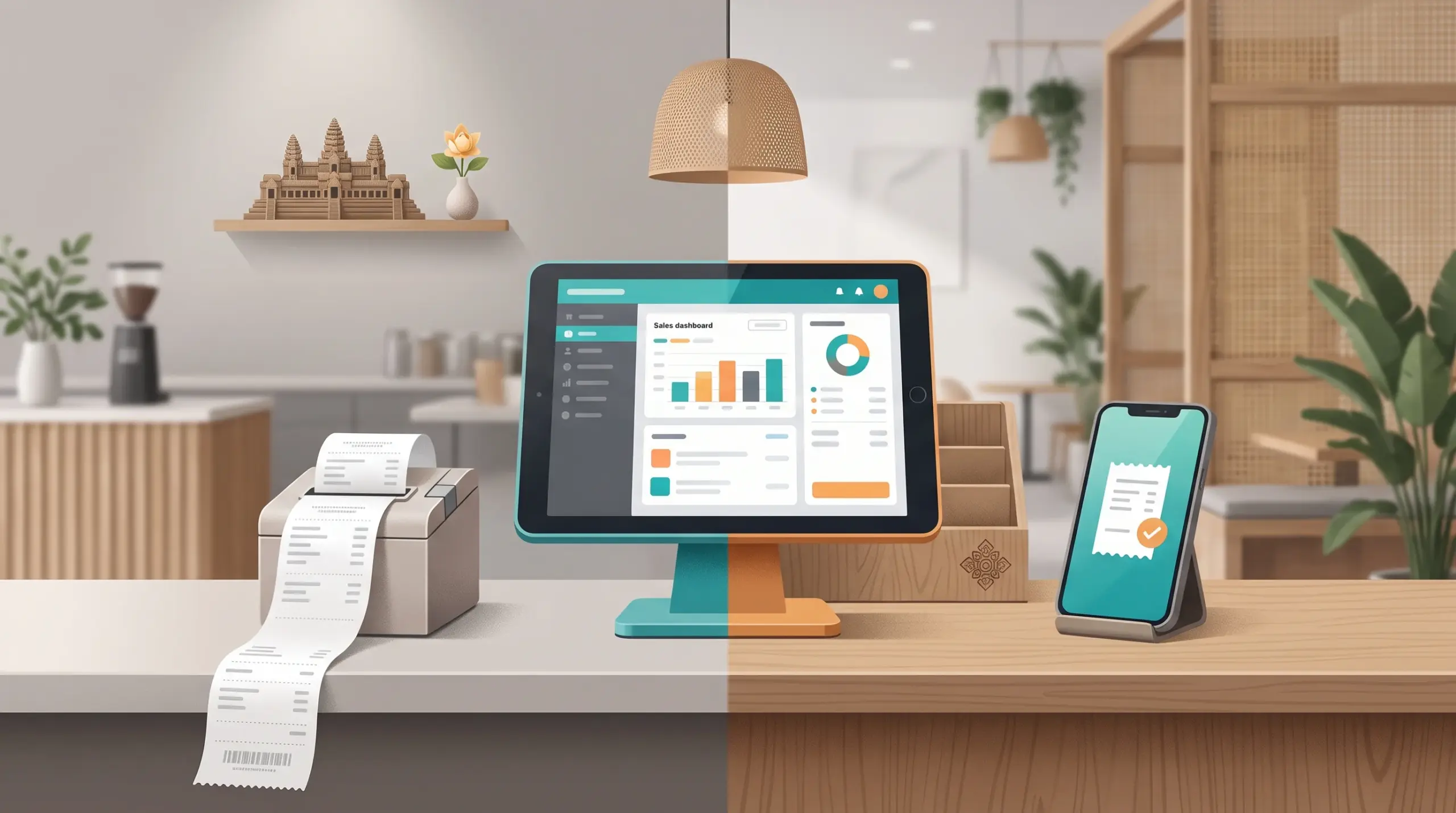
Every sale ends the same way: the customer asks for a receipt, or doesn’t. For years, that meant a small slip from a printer. Today, many customers are happy to see their receipt on a phone, and a digital receipt POS Cambodia shops can use is becoming a real choice.
The right answer isn’t the same for every shop. Here’s how to decide.
Why receipts matter
- Proof of purchase. Customers need it for returns, and you need it to settle questions.
- Fewer disputes. A clear record helps when someone disagrees about a price. See Handle Customer Complaints in Cambodia.
- Your brand. A receipt carries your name and details.
- Your records. Every receipt matches an entry in your sales.
Paper receipts: pros and cons
Pros
- Everyone understands them
- Handy for customers without a phone nearby
- Easy to attach to a purchase or a delivery bag
Cons
- Paper and printer costs add up
- Printers jam or run out of paper at the worst time
- Customers often leave them behind or lose them
Digital receipts: pros and cons
Pros
- No paper to buy or store
- Customers can find the receipt later on their phone
- Fewer printer problems at a busy counter
- Easier for online and delivery orders
Cons
- Needs the customer’s phone and a connection
- Some customers still want paper
- Staff need a simple routine for sending it
What MyLekha supports
MyLekha lets you generate invoices instantly, with real-time printing or digital sending. You can connect a receipt printer for paper receipts, and customize your invoice and receipt templates with your logo and company details. See Choosing the Right POS Hardware and MyLekha POS features.
Which one should you choose?
| Your shop | Better fit |
|---|---|
| Busy counter, many small sales | Digital by default, paper on request |
| Takeaway and delivery | Digital, so the customer has a record. See Takeaway and Delivery Orders POS |
| Market stall or pop-up | Digital, with no printer to carry. See POS for Market Stalls |
| Big-ticket items, warranties or returns | Paper and digital |
| Customers who prefer paper | Paper, always available |
Many shops offer both: digital for most customers, paper for anyone who asks.
Tips for either option
- Always make it easy to get one. “Would you like a receipt?” is a simple question.
- Keep spare paper next to the printer.
- Put your return rules where customers can see them. See Refund Policy for Shops.
- Have a backup if the printer fails. See POS Backup Plan.
- Train your team on both options. See New Cashier Training POS.
A simple way to test
- Offer digital receipts at one counter for a week
- Ask customers what they prefer
- Count how much paper you save
- Decide what to keep
Conclusion
You don’t have to choose forever. Start with what your customers expect, offer the other option on request and see what they use. Whichever you pick, a clear receipt with your name on it keeps your records clean and your customers confident.
Explore MyLekha POS features, see plans, or talk to our team about setting up receipts for your shop.
FAQ
Can MyLekha print receipts?
Yes. You can connect a receipt printer and print in real time.
Can I send receipts digitally?
Yes. MyLekha supports real-time printing or digital sending of invoices.
Can I add my logo to a receipt?
Yes. You can customize receipt and invoice templates with your logo and company details.
Do I have to choose one?
No. Many shops offer both, digital by default and paper on request.
Can I try it for free?
Yes. The Starter plan is a free trial.