Lost or Stolen POS Device: What to Do Right Away
It happens more often than owners expect. A phone left in a taxi, a tablet taken from a busy counter, a laptop that disappears after a night market. Your first reaction is panic: what about my sales, my accounts, my customers’ information?
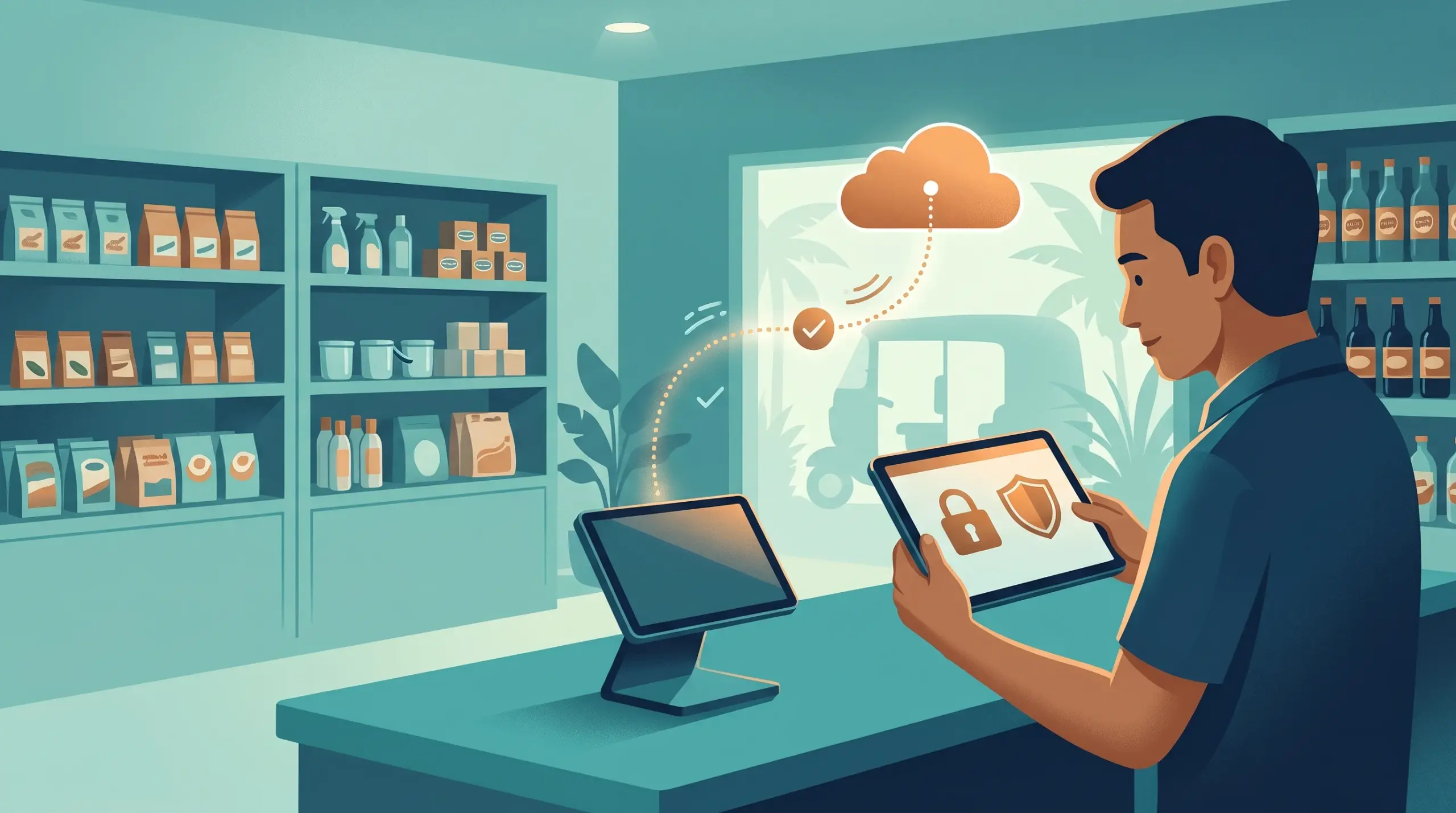
The good news is that a cloud POS doesn’t keep your business on the device. Your records live online, so losing a lost or stolen POS device is a problem to solve, not a disaster. Here are the steps to take, in order.
First, stay calm
MyLekha is a cloud POS, so your sales and stock records are stored online and not only on the device. You can still log in from another phone, tablet or computer. See Cloud-Based vs. Traditional POS Systems and POS Data Ownership in Cambodia.
What to do, step by step
1. Secure your accounts
Change the password of the account that was used on the device. If staff had their own logins on it, ask them to change theirs too.
2. Protect your money apps
If the device had a banking app or a KHQR account on it, contact your bank right away and follow their steps for a lost phone.
3. Tell your team
Let your staff know what happened, so nobody uses the lost device or shares passwords by accident.
4. Contact MyLekha
Tell our team what happened, and ask what help is available for your account. Use the Help Center or contact our team.
5. Check recent activity
Review your recent sales, refunds and discounts for anything unusual. Reports can be filtered by date and by staff member. See Loss Prevention POS Cambodia.
6. Carry on selling with a backup
Log in on another device so the counter keeps running. See POS Backup Plan. Your plan has a limit on devices, so ask our team how a replacement affects your device count.
7. Report it if needed
If the device was stolen, make a report to the local authorities, especially if there was cash or equipment involved.
Why individual logins make this easier
If every cashier has their own account, you can see exactly which logins were active and change only what you need to. With one shared password, you have to reset everything. See Employee Management and Access Control.
How to reduce the risk
- Use a screen lock on every phone and tablet
- Don’t save passwords on shared devices
- Give each person their own login
- Keep devices at the counter, not on a shelf near the door
- Avoid leaving a device logged in overnight
- Close the day properly. See Daily Closing Checklist POS.
- Know your payment confirmations. See Fake Payment Screenshot in Cambodia.
A quick response checklist
- Passwords changed
- Bank apps secured
- Team informed
- MyLekha contacted
- Recent activity reviewed
- Backup device in use
- Report made if stolen
Conclusion
Losing a device is stressful, but it doesn’t mean losing your business. Because your records are in the cloud, you can change your passwords, log in on another device and keep selling. A few habits today make tomorrow’s problem much smaller.
Explore MyLekha POS features, see which plan fits, or talk to our team about keeping your shop secure.
FAQ
Do I lose my sales data if my device is lost?
No. MyLekha is a cloud POS, so your records are stored online, not only on the device.
Can I log in from a different device?
Yes. You can use a phone, tablet or desktop.
What should I do first?
Change your passwords and contact your bank if the device had payment apps.
Can each cashier have their own login?
Yes. MyLekha supports individual staff accounts.
Who do I contact for help?
Use the MyLekha Help Center or contact our team.