

POS for Market Stalls in Cambodia: Start With Just a Phone
A POS for market stalls doesn’t need a counter, a computer or a big budget. Whether you sell clothes at a night market, snacks from a cart or fresh goods at a weekend stall, you already own the main thing you need: a smartphone. (គាំទ្របទដ្ឋានដោយ ធនាគារជាតិនៃកម្ពុជា (NBC))
មាតិកាអត្ថបទ
Small vendors often think a POS is only for big shops. But the same tools that help a minimart can help a stall owner too: faster sales, fewer mistakes and a clear picture of what sold.
What small vendors struggle with: POS for Market Stalls in Cambodia
- No record of the day. At closing time you count the cash, but you can’t say what sold or what made the profit.
- Mixed payments. Customers pay in dollars, riel or by QR code, and keeping track by hand is tiring.
- Mental math. Adding up prices and giving change in two currencies is slow when customers are queuing.
- Stock guesswork. You restock based on feeling, so you run out of the popular items and carry too much of the slow ones.
- Cost worries. Many stall owners don’t want to buy equipment before they know it will help.
POS for market stalls: what MyLekha offers
Runs on a phone or tablet. MyLekha POS works on a smartphone, tablet or desktop, so you can start with the device you already have.
Scan with the camera. You can scan barcodes using your phone or tablet camera, and connect a dedicated scanner later if you want one.
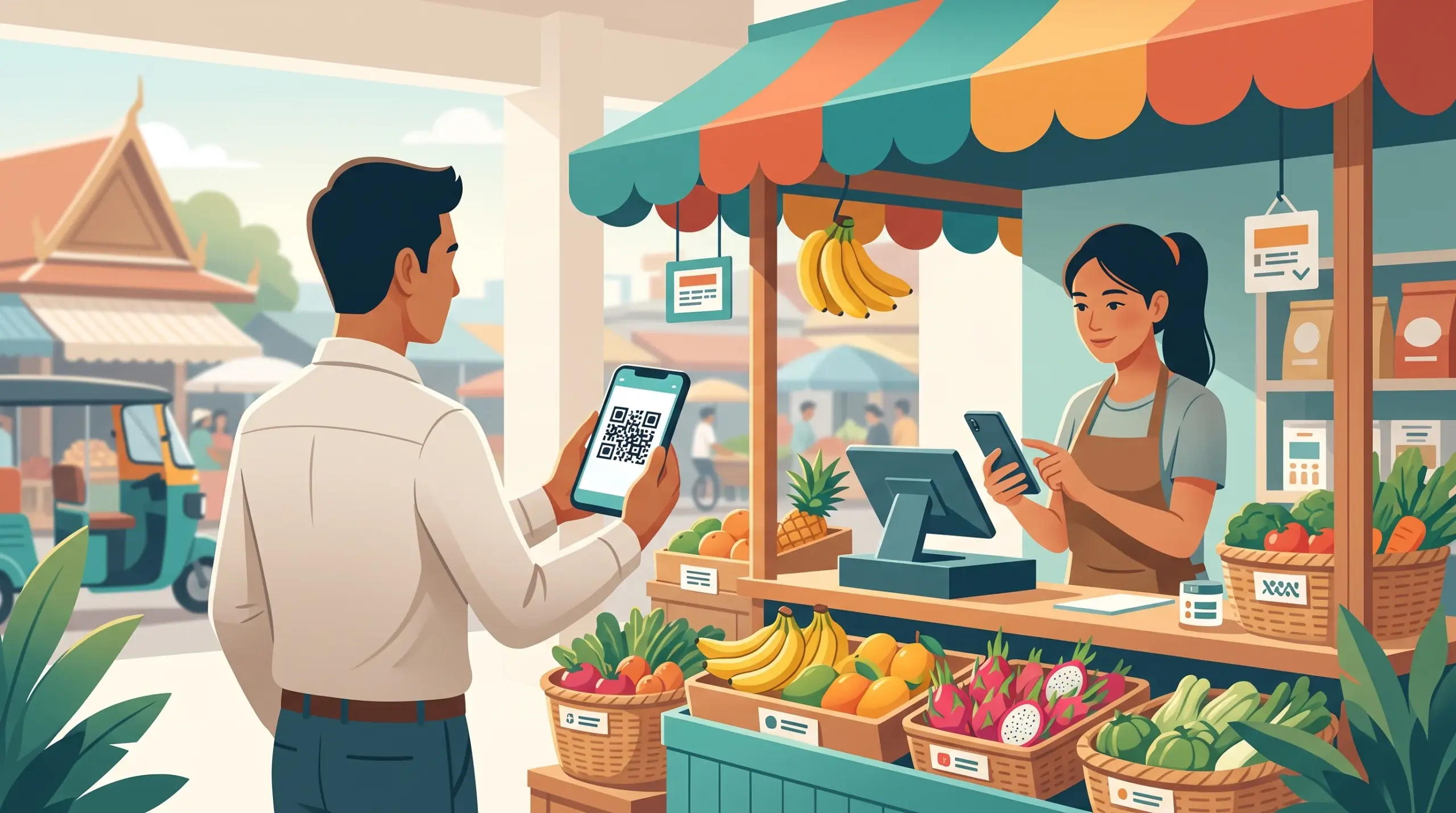
USD, riel and QR payments. Accept payment in USD or riel, and use the KHQR and ABA PAY popups at checkout. See KHQR and ABA PAY on a POS.
Start free. The Starter plan is a free trial with 1 store, 2 staff accounts and 2 devices, which is enough to test a stall with a helper. See the free trial checklist.
Print receipts when you need to. If customers want a receipt, you can connect a receipt printer. A cash drawer is optional. Hardware sets include a mobile POS option, and your pricing page shows the current options. See Choosing the Right POS Hardware.
See what sold. Reports show you your best-selling products, so you know what to bring more of. See Best Selling Products on a POS.
One thing to plan for. MyLekha is a cloud POS, so your phone needs a data connection at the stall. Check your signal before the first busy day.
A simple setup for a stall
- Add your 15 to 20 best-selling items with prices. See Import Products to POS if you have a longer list.
- Test with a few sales on the free plan, in both currencies.
- Use the camera to scan packaged items, and tap items without barcodes.
- Put your KHQR ready for customers who pay by phone.
- At the end of the night, check the day’s sales and what sold best.
Why this matters for small vendors
- A clear record every day, instead of just a cash count
- Faster service, since the system does the math
- Fewer mistakes with change and currency
- Better restocking, based on what actually sold
- Low risk, because you can start free and upgrade when you grow. See which plan fits.
Conclusion
You don’t need a big shop to run a smarter business. A phone, a free trial and a few minutes of setup are enough to start, and the same system grows with you when your stall becomes a shop.
Join for free, see plans, or talk to our team for help getting started.
FAQ
Can I run a POS on just my phone? Yes. MyLekha works on a smartphone, tablet or desktop.
Do I need a barcode scanner? No. You can scan barcodes with your phone or tablet camera.
Can customers pay with KHQR or ABA PAY? Yes. These payment popups are available at checkout, along with cash in USD or riel.
Is there a free option? Yes. The Starter plan is a free trial.
Do I need internet at my stall? MyLekha is a cloud POS, so you need a data connection on your phone.
អត្ថបទដែលពាក់ព័ន្ធ
- Tablet vs Phone vs Desktop POS in Cambodia៖ តើឧបករណ៍មួយណាស័ក្តិសមនឹងអាជីវកម្មរបស់អ្នក?
- ហេតុអ្វីបានជាការលក់គួរតែធ្វើឡើងនៅកន្លែងលក់ផ្ទាល់ មិនមែនត្រឹមតែនៅកន្លែងគិតលុយនោះទេ
- ការជ្រើសរើសបរិក្ខារ POS ឱ្យបានត្រឹមត្រូវ៖ តើបញ្ជរលក់រាយរបស់អ្នកពិតជាត្រូវការអ្វីខ្លះ?
- ប្រព័ន្ធ POS ម៉ាស៊ីនស្កេនបាកូដនៅកម្ពុជា៖ គិតលុយលឿនជាងមុន កំហុសតិចជាងមុន